


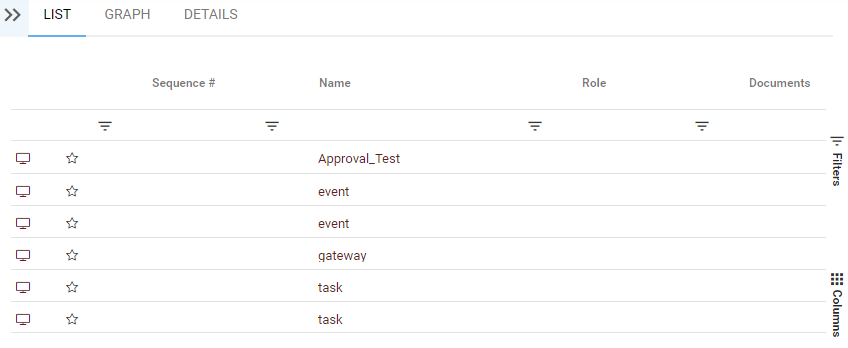
1. Navigate to the list page on any module
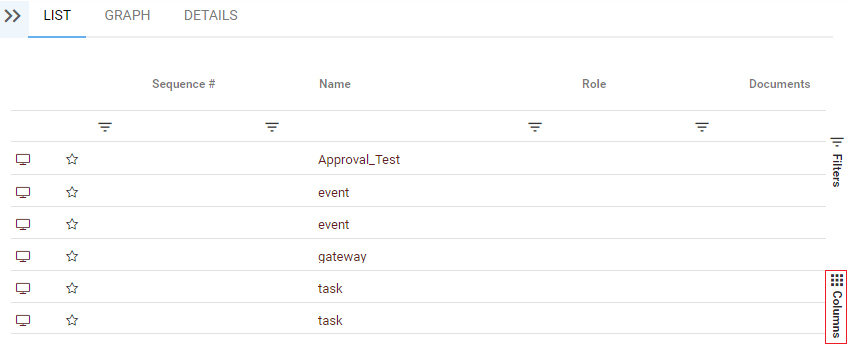
2. Once on the list view, click on the Column Panel located to the right
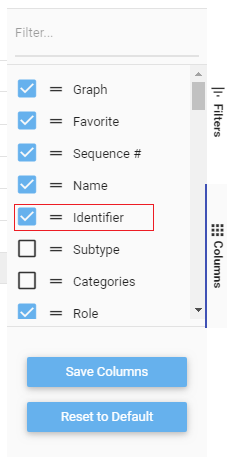
3. Click on a checkbox to add a column from the list
4. View the change in the list view
Need more help with this?
Visit the Support Portal