


Adding users will create user profiles and individuals can use to access the EPC. System Administrators are responsible for creating the user profile, populating the profile with the necessary information, and awarding access to the user profile.
To add a user profile, please see the steps below:
1. Login to the EPC
2. Navigate to the System Admin Section
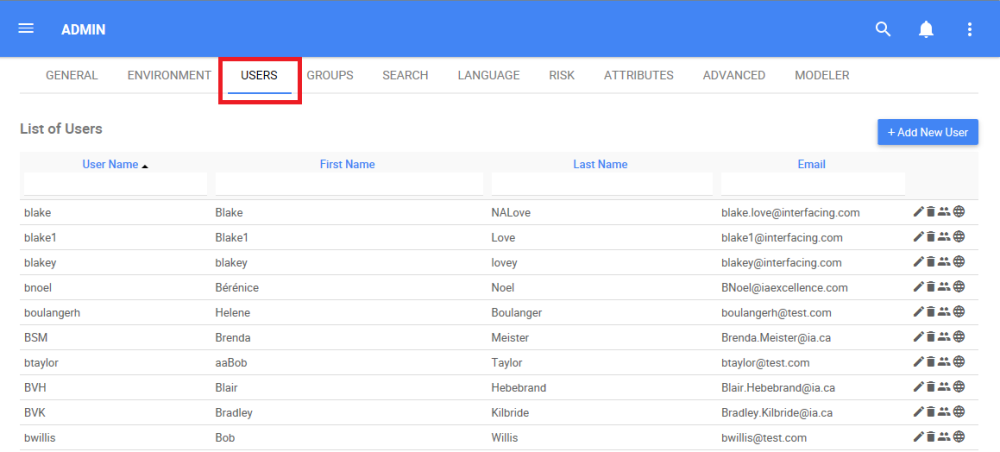
3. Select the Users tab within the System Admin Section. You will be navigated to the User management page.
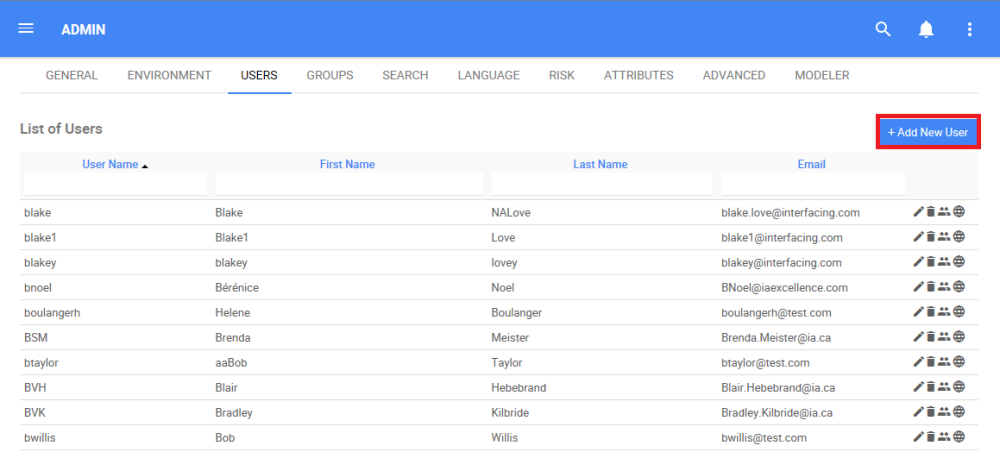
4. To add a user, select the  button
5. This will create a pop-up window allowing System Admins to fill in the appropriate information. In this section, System Admins choose the level of Authorization for the user.
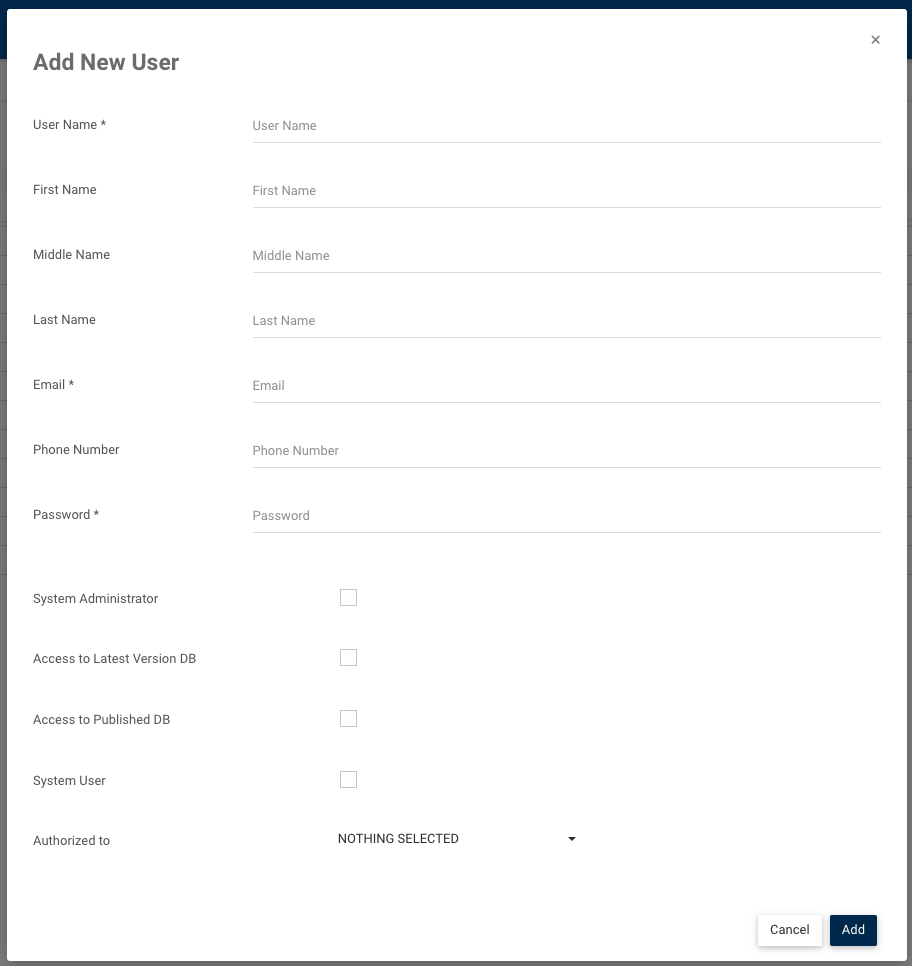
6. Populate the profile with the appropriate information and then select the  button and the user will be added to the EPC.
Need more help with this?
Visit the Support Portal