


Web Modelers can assign Boundary Events to Sub-Process and Task shapes while working on Graph Edit Mode.
To Add a Boundary Event, please follow the instructions.
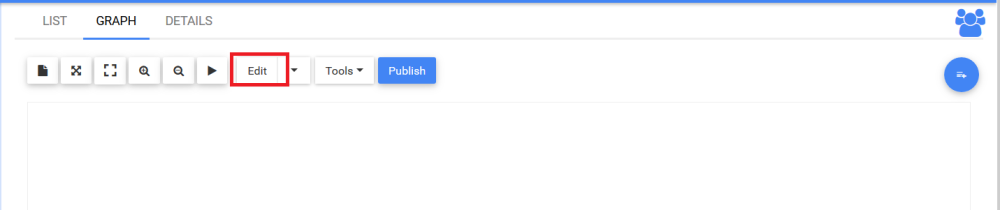
- Navigate to Full Screen Edit Mode, after clicking on Edit Button
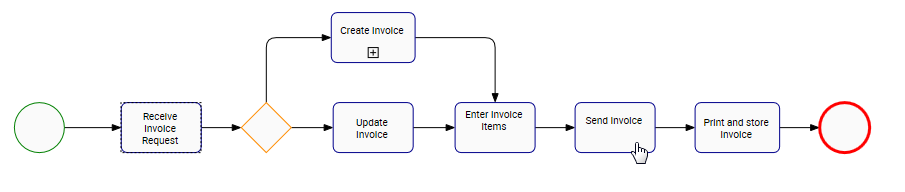
- Navigate to a Sub-Process or Task shape. In this example, navigate to a task
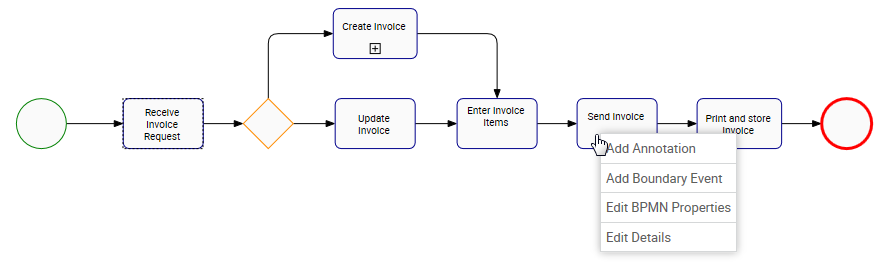
- Right-click on the Task shape. A drop-down menu will be generate
- Choose the “Add Boundary Event” box
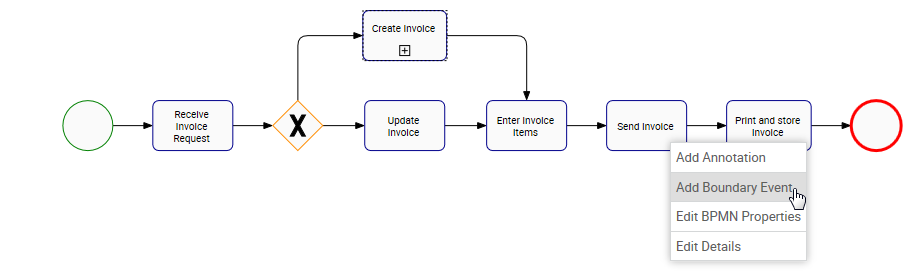
- The Boundary Event
![]() icon will appear on the task shape
icon will appear on the task shape
 icon will appear on the task shape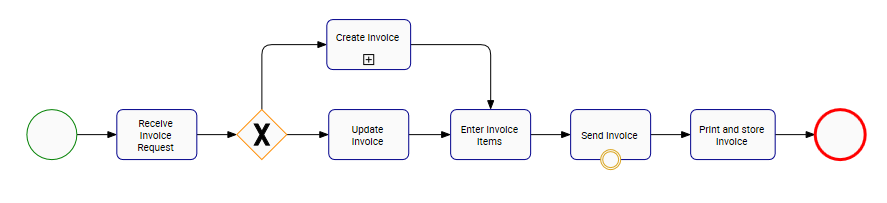
To edit boundary events, click here
Need more help with this?
Visit the Support Portal