
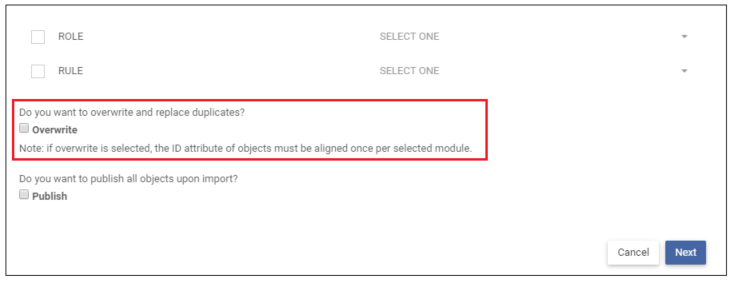
In the Import from Excel Wizard, the option to overwrite can be selected so that modifications made in the Excel spreadsheet file may be imported back into EPC without creating duplicates. The table below describes overwrite scenarios for both the import of object and associated object identifiers.

ID Status Outcome
Override Selected
  • ID is matched (existing ID in EPC)
  • ID is not matched (no existing in EPC)
  • No ID is Listed
  • Object is overwritten, associated object is linked
  • New object/associated object is created while keeping the ID in the Excel
  • New object/associated object is created and an ID is generated
Override Not Selected
  • ID is matched (existing ID in EPC)
  • ID is not matched (no existing ID in EPC)
  • No ID listed
  • An error will occur; overwrite must be selected
  • New object/associated object is created while keeping the ID in the Excel
  • New object/associated object is created and an ID is generated

Need more help with this?
Visit the Support Portal

Thanks for your feedback.