


How to Add an Object Type
1. Navigate to the System Admin Section
2. Select the Attributes tab under the System Admin section

3. To add a new object type, select the  button

4. This will create a pop-up window allowing System Admins to fill in the appropriate information. For this example, we are creating object type called “Region” that will be applicable to the objects within an Organization Unit
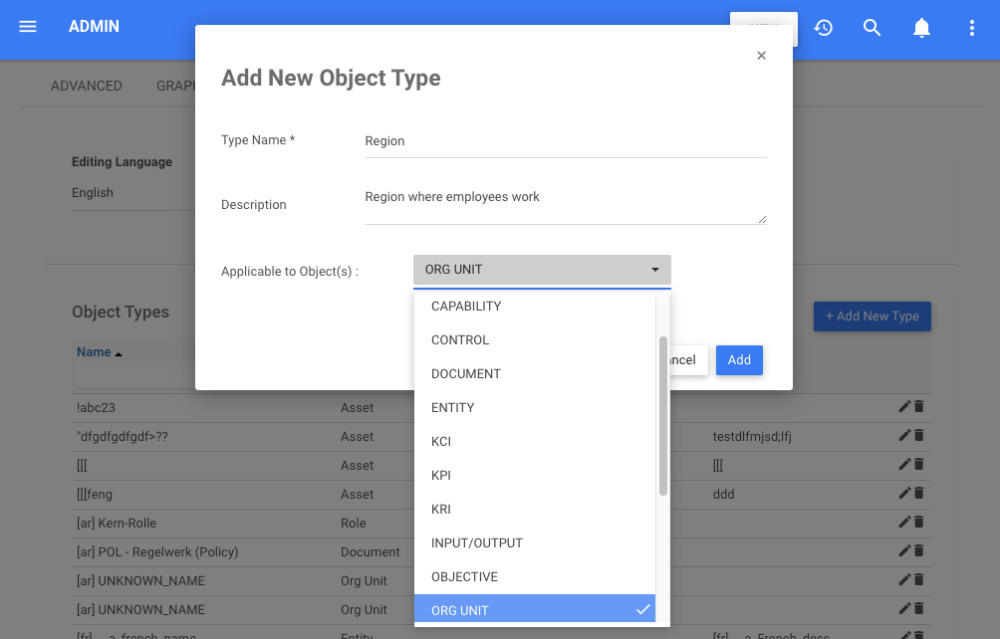
5. After inputting the appropriate information, select the  button and the Object Type will be added to the EPC.
Need more help with this?
Visit the Support Portal