


Online System / Network Adapters /
Commission from Project |
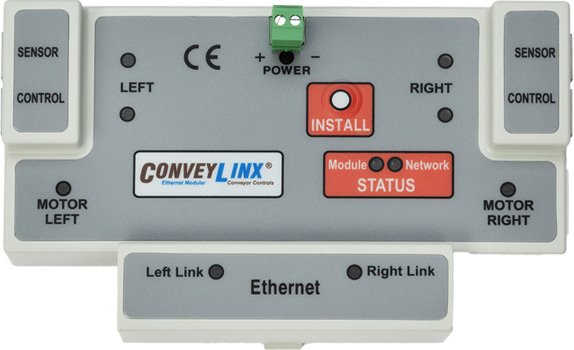
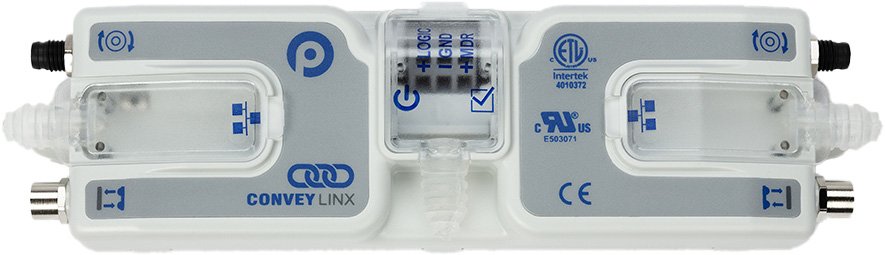
ConveyLinx ERSC ✅ | ConveyLinx-Ai 24V ✅ | ConveyLinx-Ai 48V ✅ |
 |
 |
 |
|
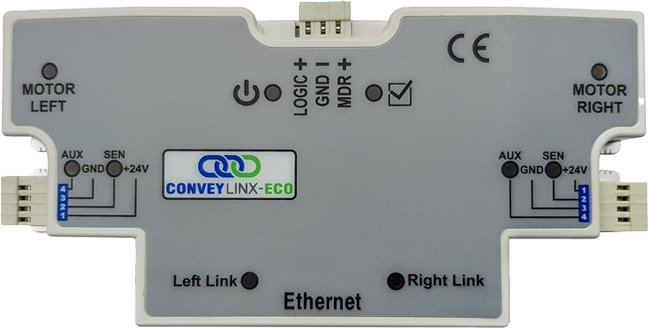
| ConveyLinx-ECO ✅ | ZPA Mode ✅ | PLC I/O Mode ✅ | |
 |
 |
 |
Configured network settings and procedural/behavioral settings can be transferred from an offline project onto an online project by using the “Commission from Project” feature.
| Step One: Click Commission Project Button |  |
| Step Two: Confirm that your system is prepared to have its connection altered and is stopped in a safe way |  |
| Step Three: Click Choose Offline Project to select which project you’d like to use the configured information from |  |
| Item | Function | Description |
 |
Exit Commissioning View |
|
 |
Choose Offline Project |
|
 |
Topology |
|
| Step Four: Select the offline project you’d like to use | 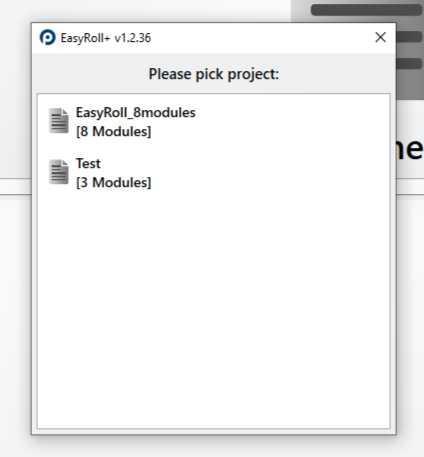 |
| Note: You must have an offline project in the offline project section of EasyRoll+ in order to use the commission from project feature. This warning will show if you do not have one ready |  |
| Step Five: Drag and drop a module from the system in part 1 onto a module from the system in part 2. The module that you drop has the attributes that will be transferred to the module you drop onto. | 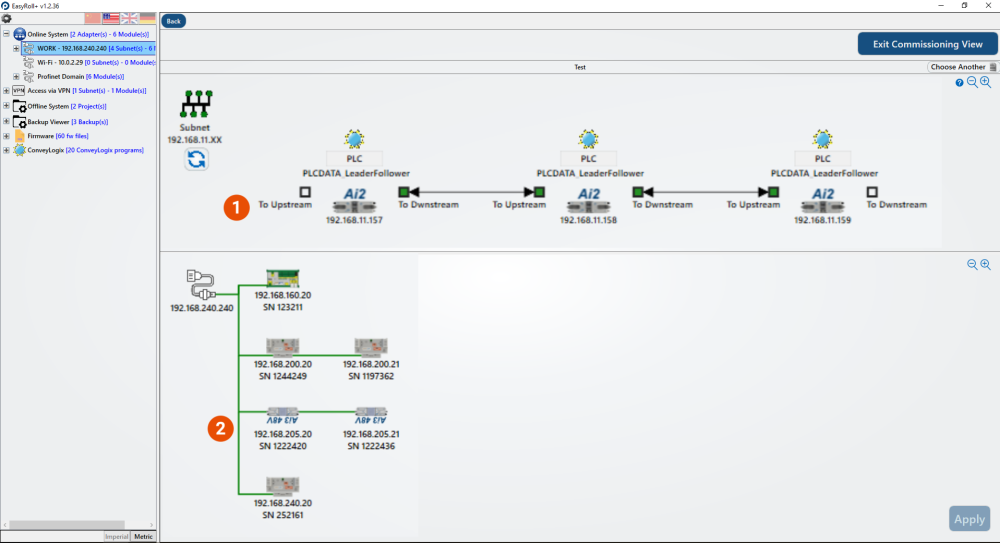 |
| Note: You must drag and drop modules of the same type onto each other. Trying to put different types of modules together will result in this warning |  |
Post your comment on this topic.