


A Capability is an EPC object that represents what the business supports and/or offers. It provides insights about the Business Value, Technical Health, Importance to Strategy and Competitive Positioning of the business product, service, etc. With the SWOT Analysis, the users can see the Strengths, Weaknesses, Opportunities and Threats of the Capability, to better understand how to change/improve the capability for the better. The Maturity level can let users know about the target dates of the next maturity level so that they can plan/prioritize for that upgrade.
Web Modelers can create Rules on the WebApp and organize them within Capability Sets
For instructions on how to create a new Capability, see the Create Objects section.
Filling out a new Capability Form
1. Type the name of the Capability on the “What is the name?” field
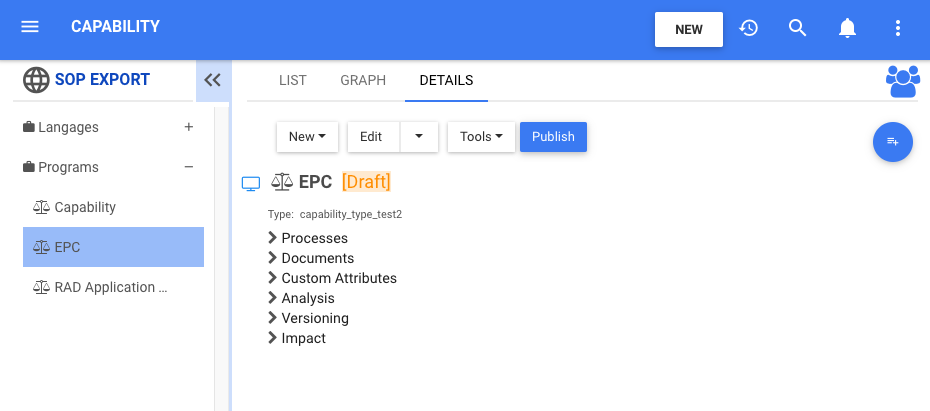
For this example, the name of the Capability is “EPC”
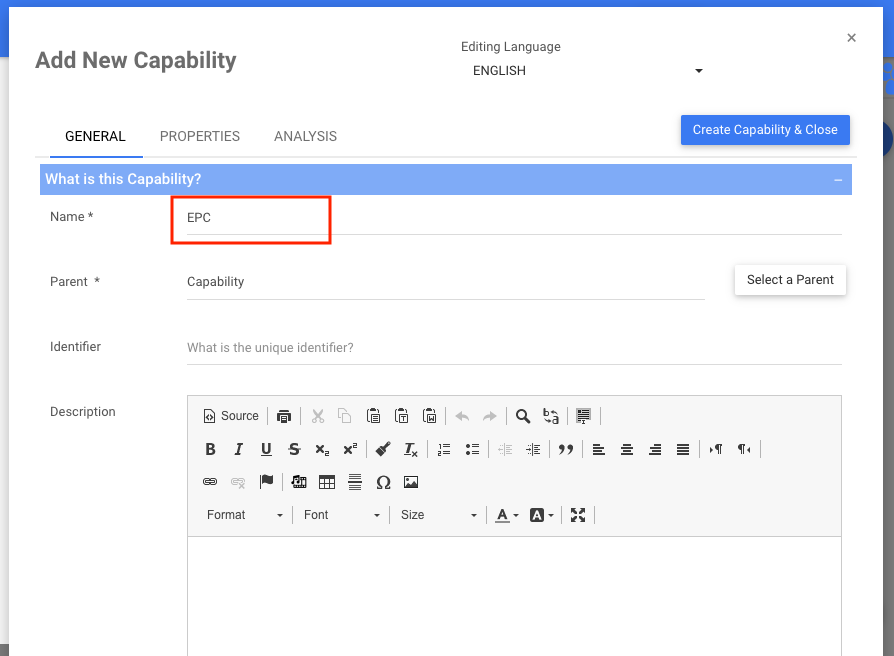
*The EPC automatically assigns the Capability Set as the Parent, which is the folder or sub-folder you selected. You can change the Set by clicking on the button 
2. Use the  and
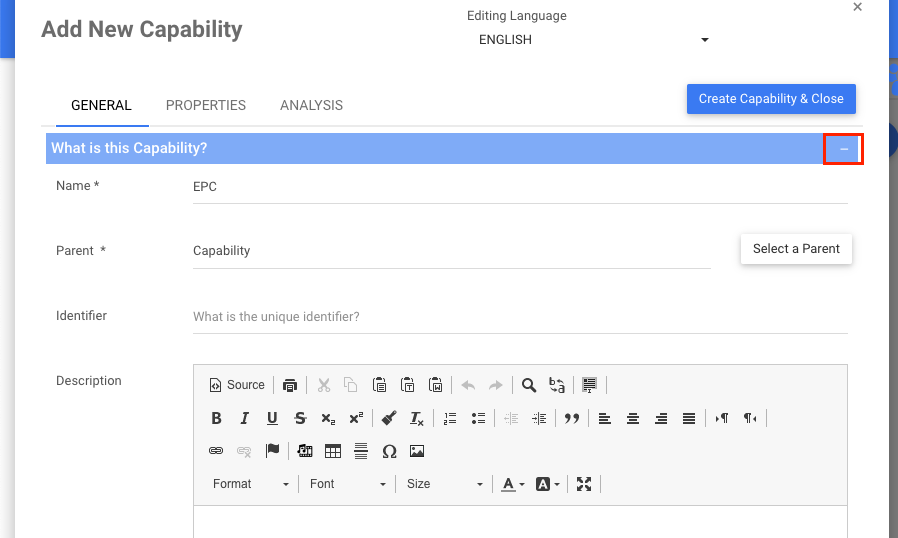
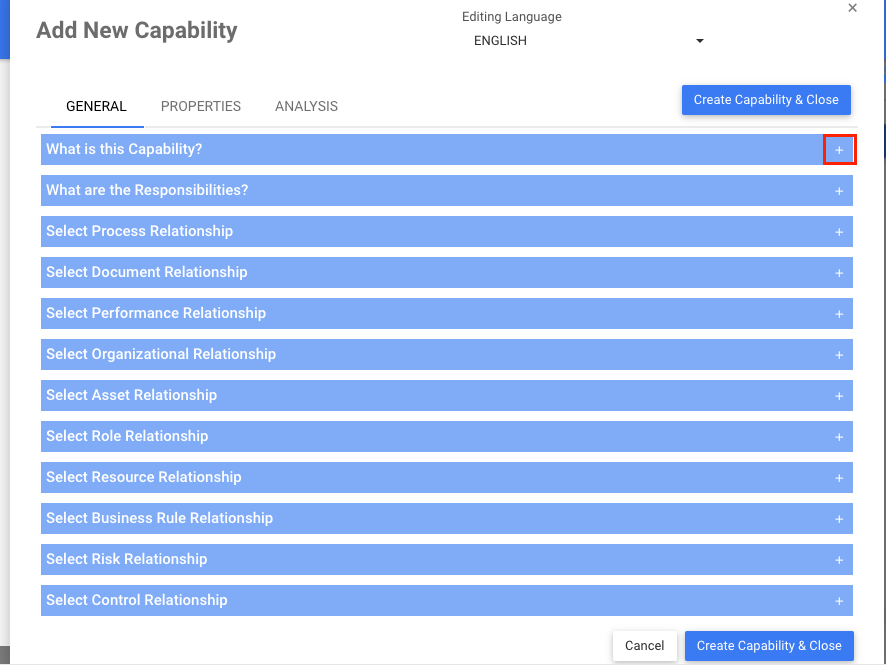
and  icons to expand and hide the different sections within each tab of the New Capability Window. Input the right information about the Capability in each section.
i) To hide sections, click on the icon:
ii) To expand sections, click on the icon:
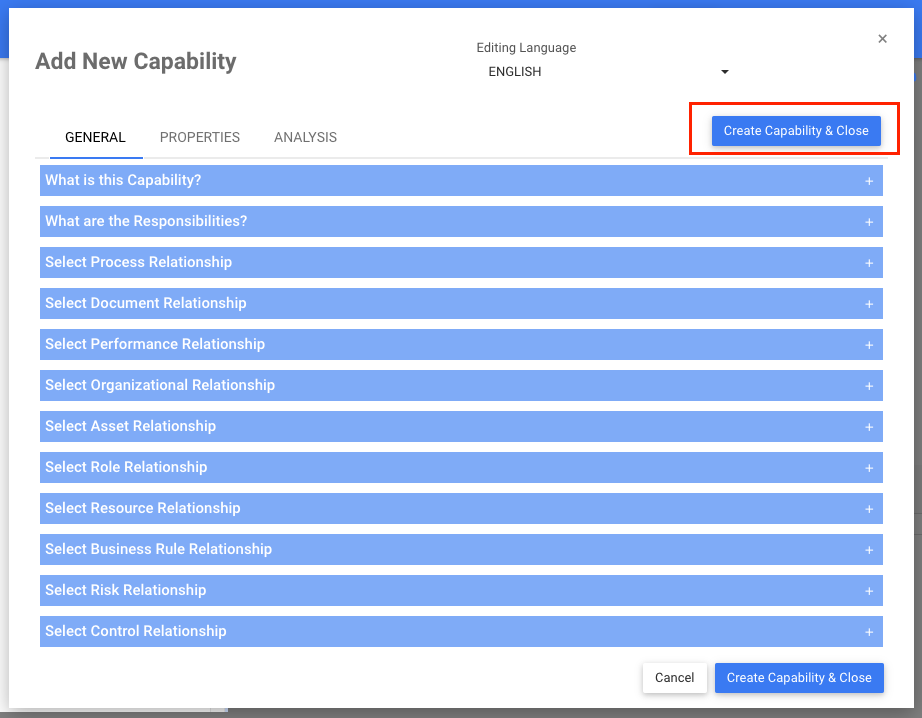
3. Click on the button  to create the Capability
4. The new Capability “EPC” is now inside of the “Programs” Set. This Capability is currently a draft. To learn how to publish Capability objects, click here
Haben Sie noch weitere Fragen?
Visit the Support Portal