


The waiting rate is an option you can set to charge the customer if the driver requires to wait for the passenger at some point while doing the ride.
The wait button on the driver app it is only visible when the passenger is on board (POB).
The waiting fare will only be added after the Taximeter has started, either by pressing the button start or POB in the driver app.

To begin, press on the create button under waiting rate.

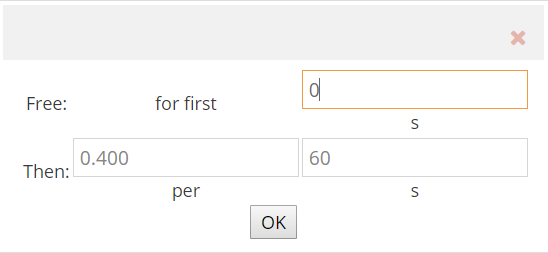
Set how much you would like to charge the customer for waiting. You can also specify if you would like to give some free charge.
For example:
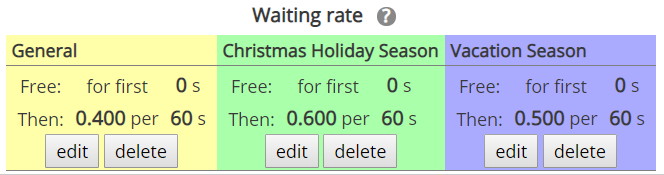
You can set different waiting rates in the different schedules you have created.
Press the “Save” button at the bottom of the screen to save the changes.