

Through Manula’s Custom CSS feature, basically everything could be customized. And most Manula users are using Custom CSS to change the styling of their manual.
However, by far the most common thing our users are using Custom CSS for are:
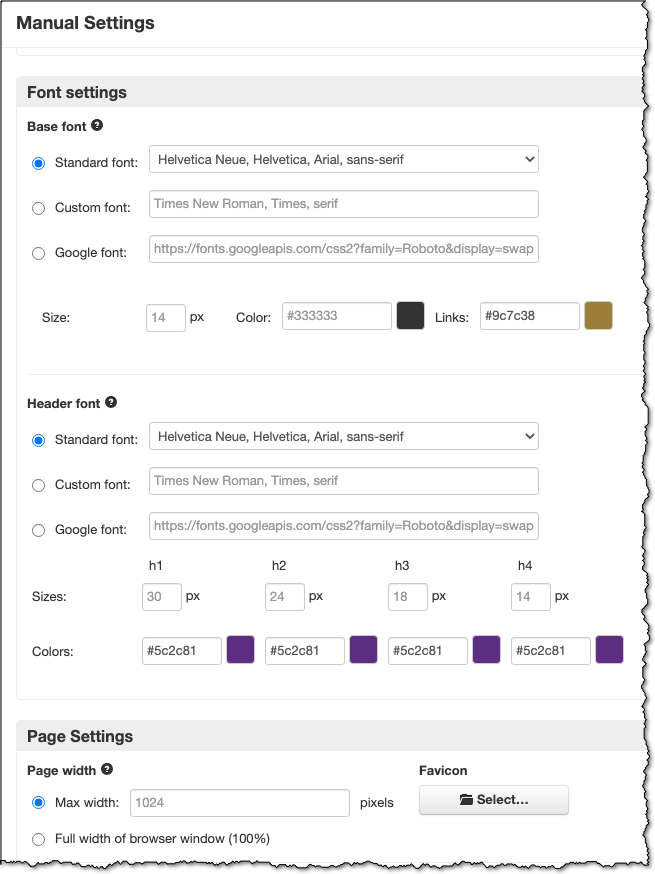
- to customize font styles, sizes and colors, for both body content and headers
- to customize the page width (limited to 1024 px by default)
So to make it easier for everyone, it is now possible to do these customizations from the Customization tab of the Manual Settings screen:
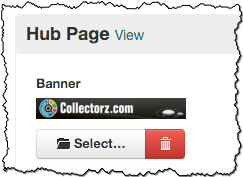 It is now possible to customize your manual “hub page” with a full width (1,000 pixels) banner image.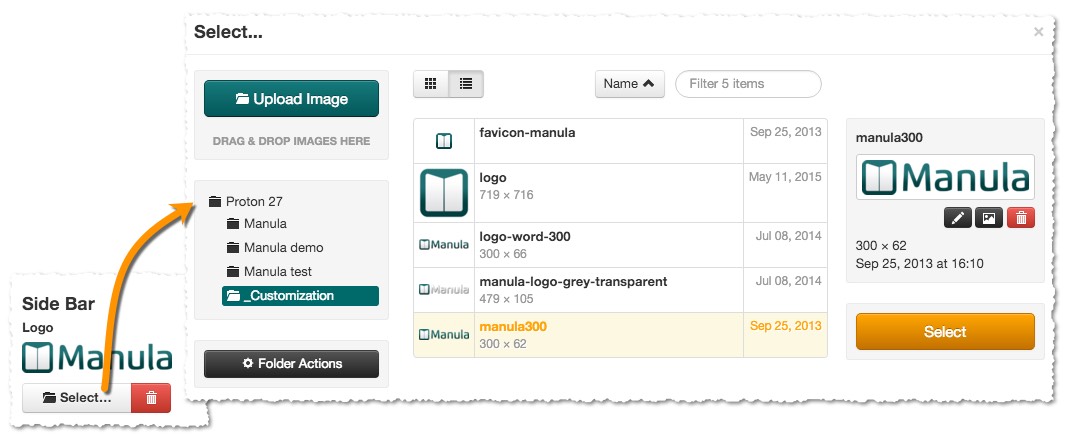
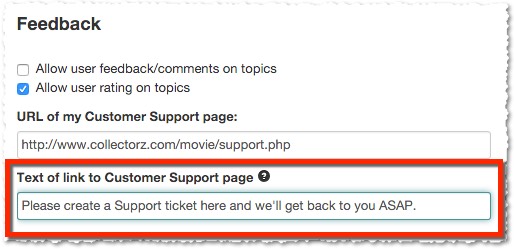

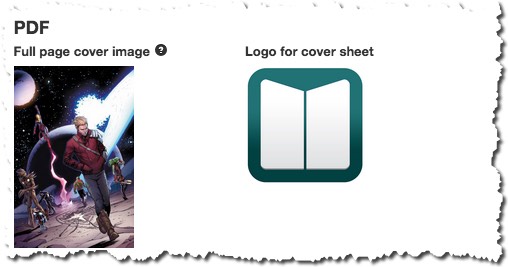
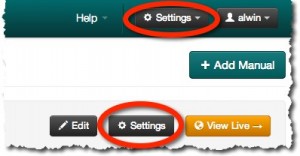 Further improvements to the Settings screen, at both the Account level and the Manual level, to give both screens a more logical layout.