


Here are the steps an employee typically goes through when calling in for the first time.
1. Call the designated toll-free number provided by your supervisor. If you are a new employee, you may be asked to confirm your mobile number and preferred language. After that, you will hear “You have successfully checked in”
2. Check your text messages. If location sharing is required, you will receive a text message that looks like this. Click on the link to share your location. If you are new to the system, you will also be asked via text message to reply with your first and last name.

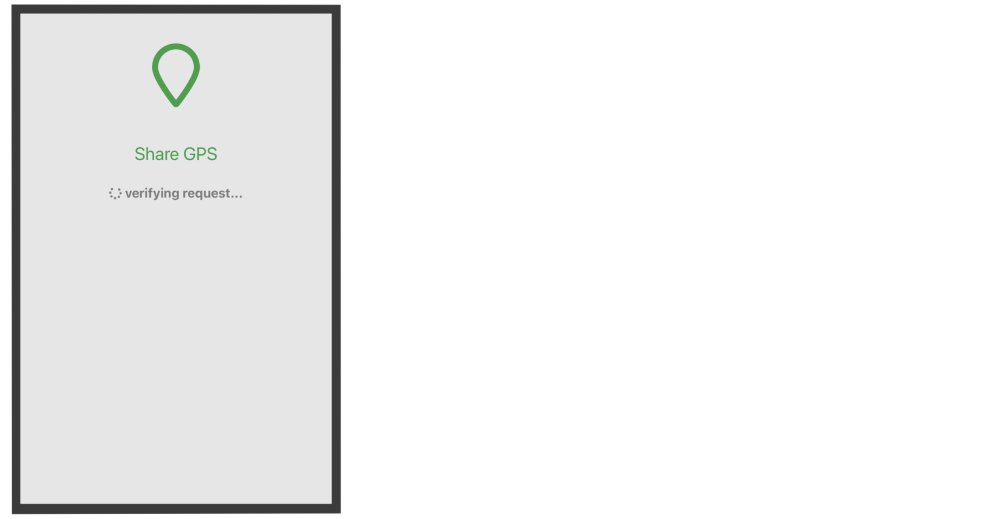
3. When you click on the location sharing link, you will see a confirmation page like this. You must click “Allow” to share your location. If you have blocked GPS location sharing on your personal device you will be unable to share your location. To learn how to unblock GPS, go to the Details On Apple iOS Location Services or Details On Android Location Services section of the manual.
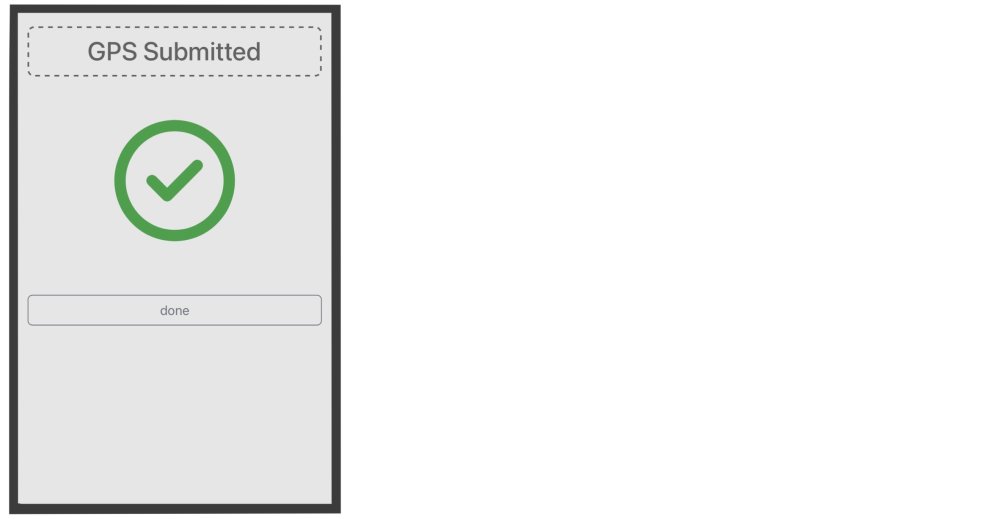
4. Once your location as successfully been shared, you have completed the check in process. Simply repeat these steps again to check out.*
Need more help with this?
Telephone Timesheets Support