


Highlights of The Schedules Page
The schedules page can be accessed by selecting “Scheduling” from the top menu and then “Schedules” from the drop down.

Telephone Timesheets supports one-time and recurring schedules. Recurring schedules can be recurring weekly schedules, or they can be any recurring pattern such as, monthly, yearly, etc. Telephone Timesheets uses standards-based calendar rules, so integration with third-party calendars can be accomplished.
Schedule entries are not required; however, a schedule is useful for things like enforcing timely clock ins/outs by using the call/text/email notifications feature of the system.
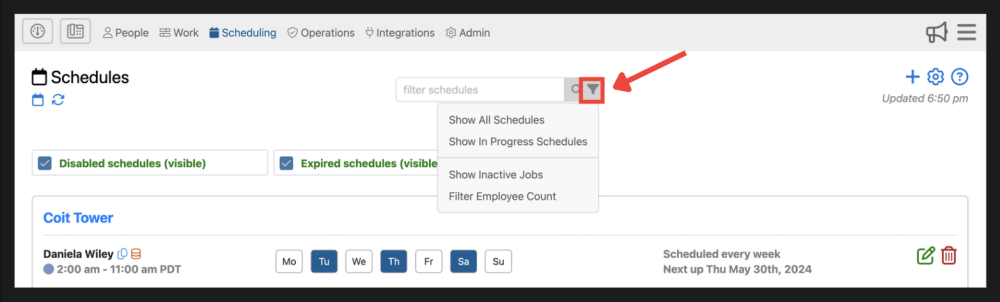
1. This is where you can filter schedules
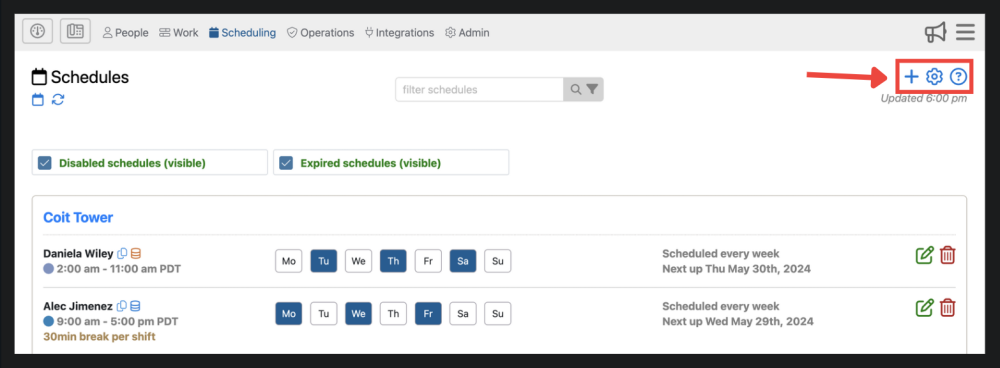
2. These options allow you to add a schedule ![]() , adjust settings
, adjust settings ![]() , and find additional information
, and find additional information ![]() .
.
 , adjust settings
  , and find additional information
  .
. 
3. Here you can edit ![]() and delete
and delete  schedule entries.
 and delete
  schedule entries.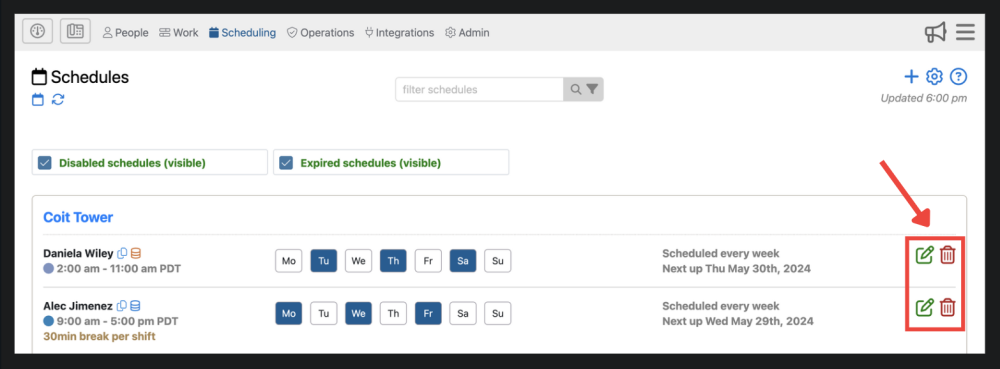
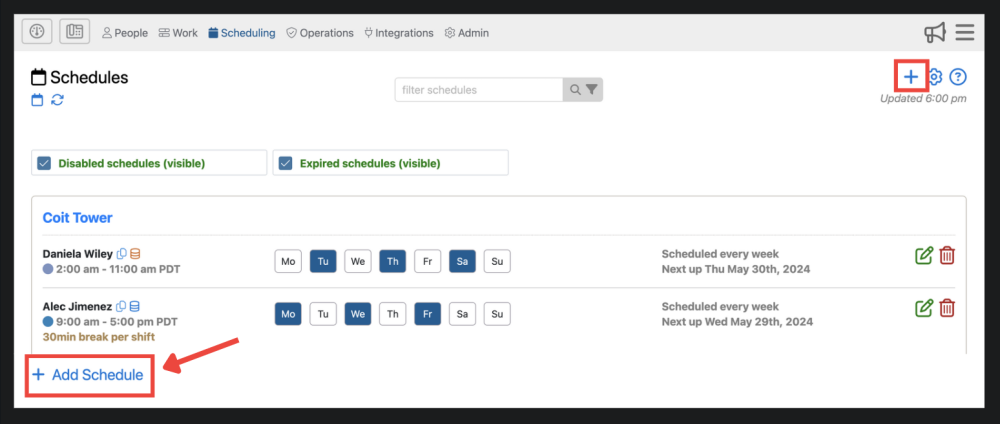
4. You are able to add a new schedule with this button which has the same function as the blue plus sign ![]() in the upper right corner.
in the upper right corner.
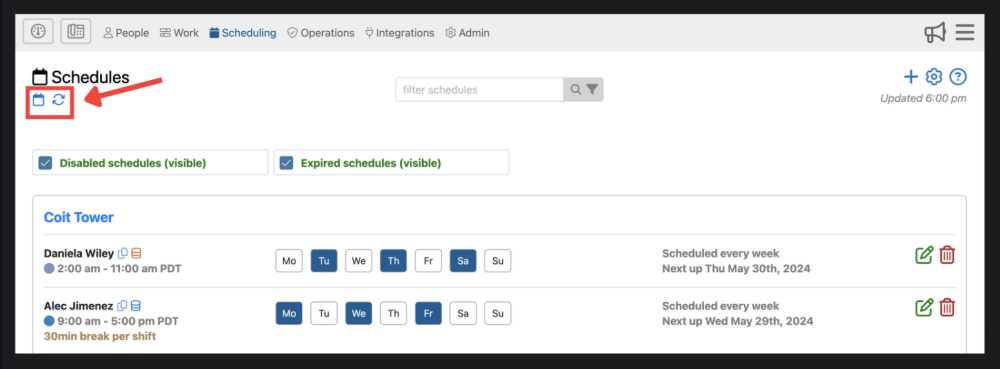
5. View your schedules on a day-by-day basis by clicking the ![]() . You can also refresh the page by clicking the
. You can also refresh the page by clicking the ![]() .
.
 . You can also refresh the page by clicking the
  .
.
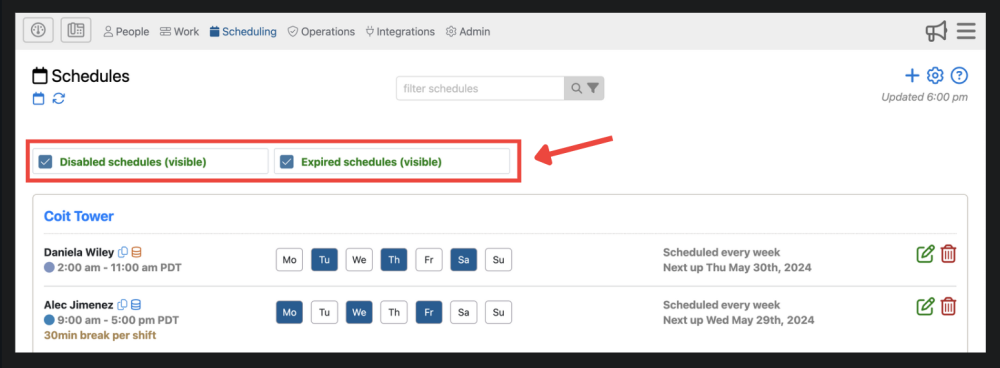
6. Lastly, this is where you can toggle between viewing disabled schedules, expired schedules, active schedules, or customize it to your liking.

Need more help with this?
Telephone Timesheets Support