


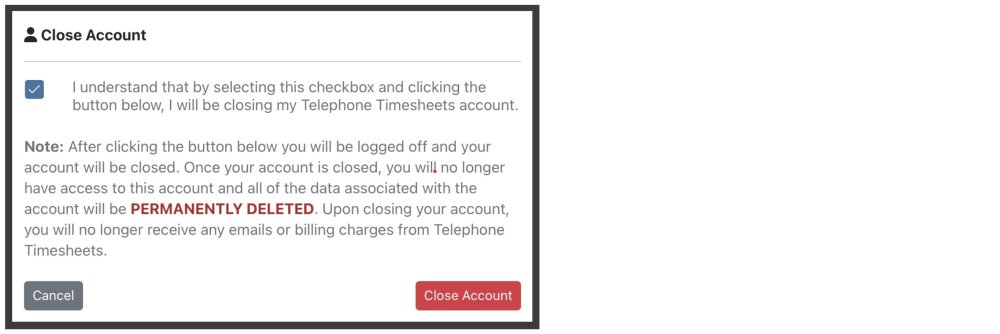
To close your account, you will click on “Admin” then “Close Account” from the drop down menu.

Be sure to click the checkbox after reading the below statement and then click the close account button.
Need more help with this?
Telephone Timesheets Support