


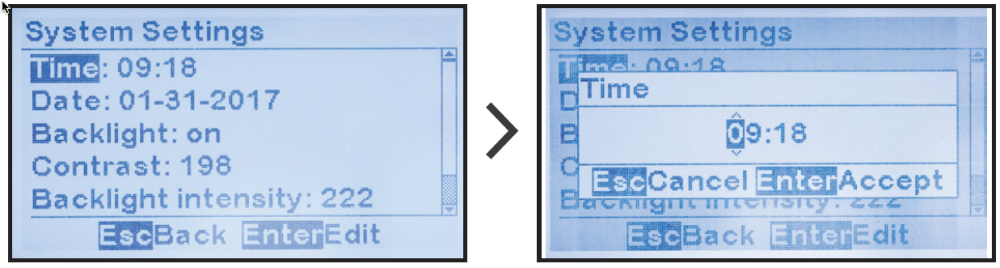
To access and change the System Time, follow the steps in Section 4.4.1.
MENU > SYSTEM SETTINGS > ‘Time’

Last modified:
19 July 2023
To access and change the System Time, follow the steps in Section 4.4.1.
MENU > SYSTEM SETTINGS > ‘Time’