


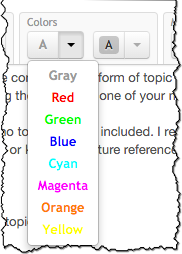
 Manula uses the popular Textile “mark-down” language for formatting your manual topics. This lets you basically do any formatting you want (including text colors).
However, we figured we’d make setting the color of a piece of text a bit more accessible, right from the topic editor toolbar.
At the same time, we introduced an easy way to highlight a piece of text with a marker color.


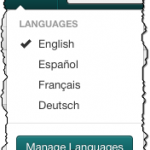 Quick fix for an annoying user interface issue:
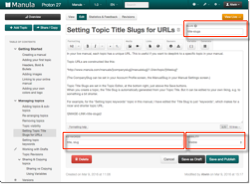 We noticed occasional confusion about the Keywords, Visibility and Slug fields in the Topic Editor. So we figured we’d make some small tweaks to the layout of the editor to make these 3 quite important fields a bit clearer.