

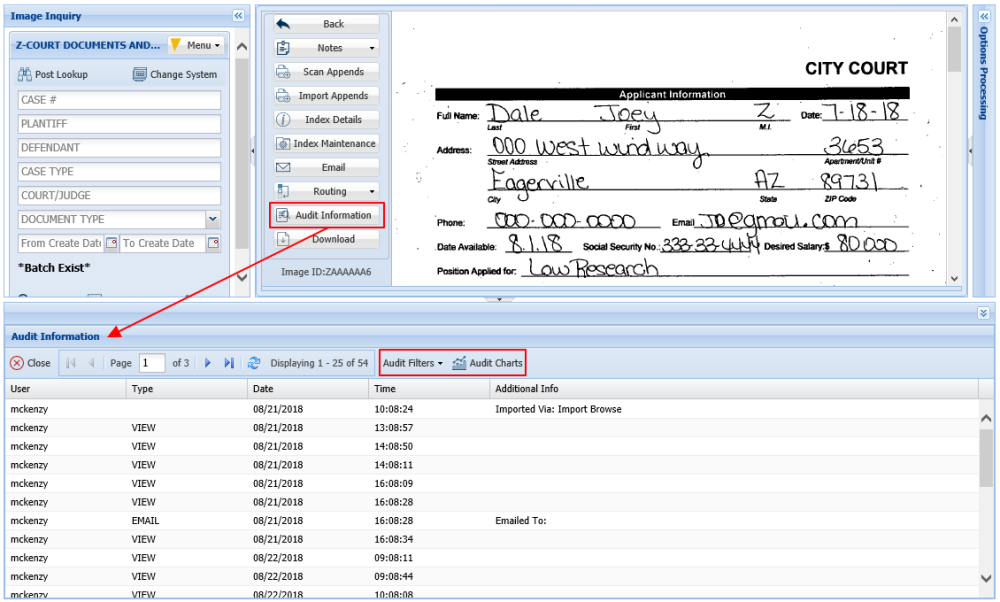
To access the available audits, double-click a record from the display pane sub file list. When the document is displayed, the user will be presented with the Display & Left Side Functions. Select Audit Information.
The audit information frame will open below the displayed document.
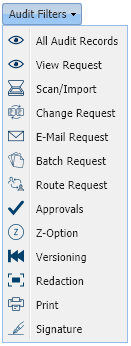
 to select the desired request type to be queried. By default, the audit request type is set to View Request.
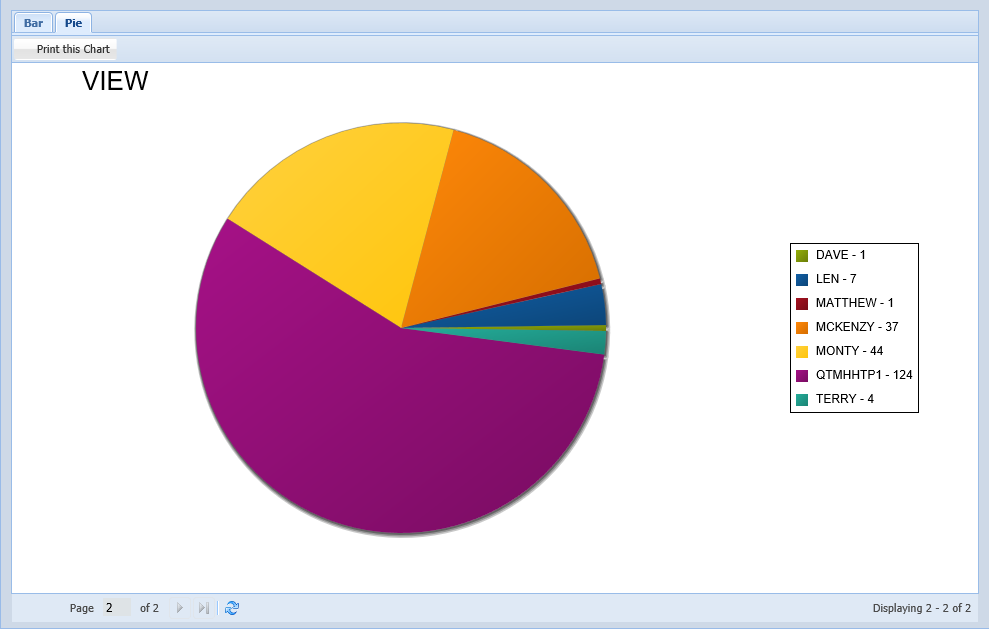
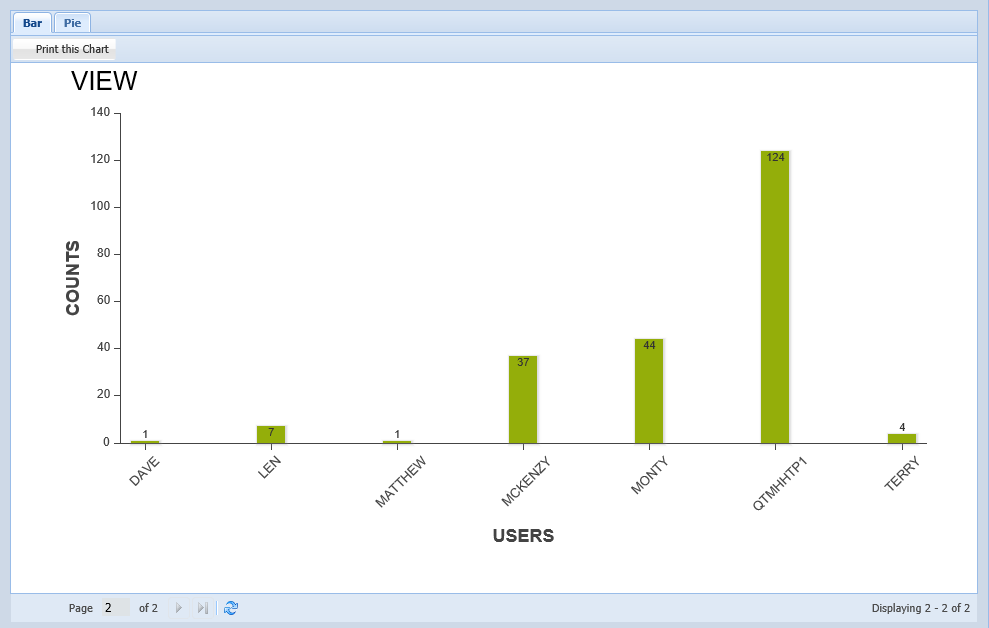
 to access printable bar and pie charts depicting the audit results.
 |
 |
Post your comment on this topic.