


The Navigation Menu allows users to quickly navigate between EPC Modules.
Please see the following steps to access and use the Navigation Menu:
1. Click on the Navigation Menu Button  on the top left of your screen
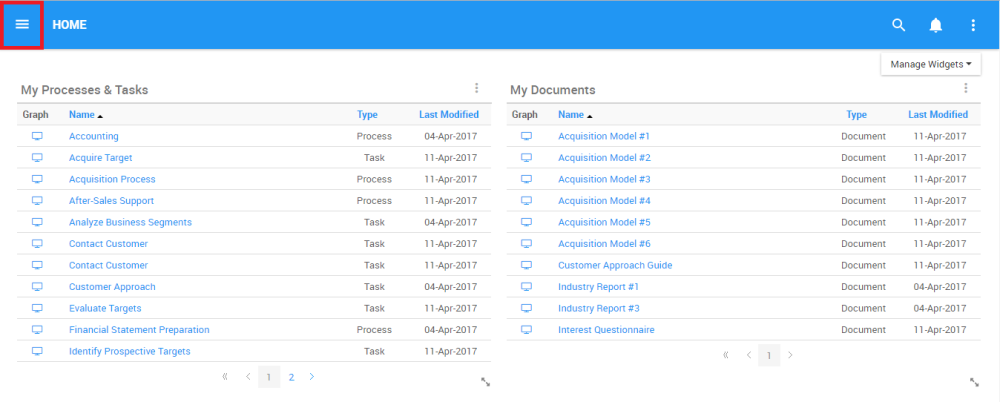
2. Click the Navigation Menu, and Navigation Panel will be generated on the left-handed side of the screen

3. To close the Navigation Menu, click on the  icon at the top-left of the page

Need more help with this?
Visit the Support Portal