


A Name is given by the System Admin to each Risk Likelihood to label them.
To Edit the Risk Likelihood Name, please follow the next steps
- Navigate to the System Admin Section
- Select the Risk tab under the System Admin section

- Navigate to the Risk Matrix Settings section

- Select the Risk Likelihood you want to edit. For this example, the “Very Low” Likelihood is selected
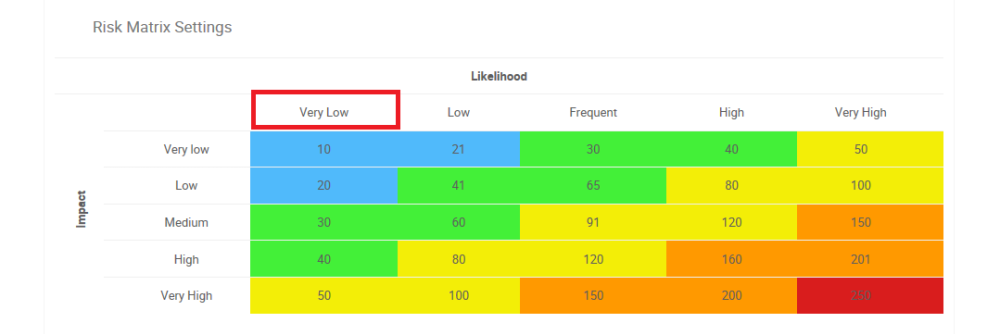
- This will create a pop-up window allowing System Admins to fill in the appropriate information concerning the Risk Likelihood

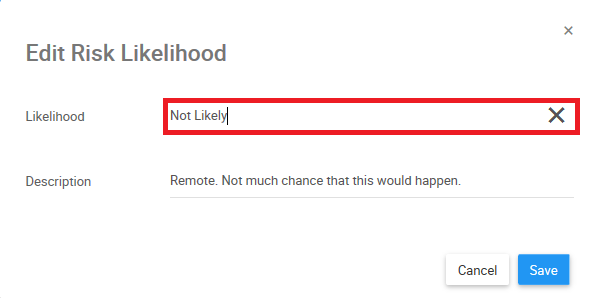
- To edit the Name of the Risk Likelihood, select the Likelihood text box

- For this example, type the “Not Likely”
- Select the
![]() button to confirm changes
button to confirm changes
 button to confirm changes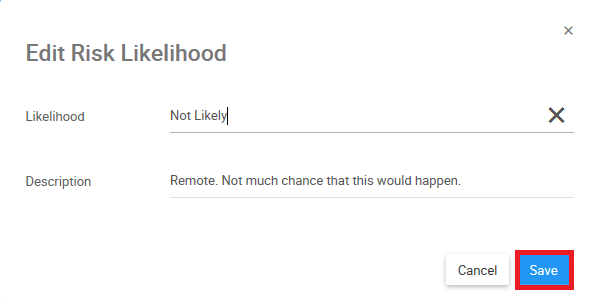
Need more help with this?
Visit the Support Portal