


The Google Analytics Widget can display a variety of dashboards with different metrics.
Resizing and Moving the Widget
To resize the widget, click on the double-pointed arrow on the bottom right corner. Drag it across the screen to adjust it’s size.
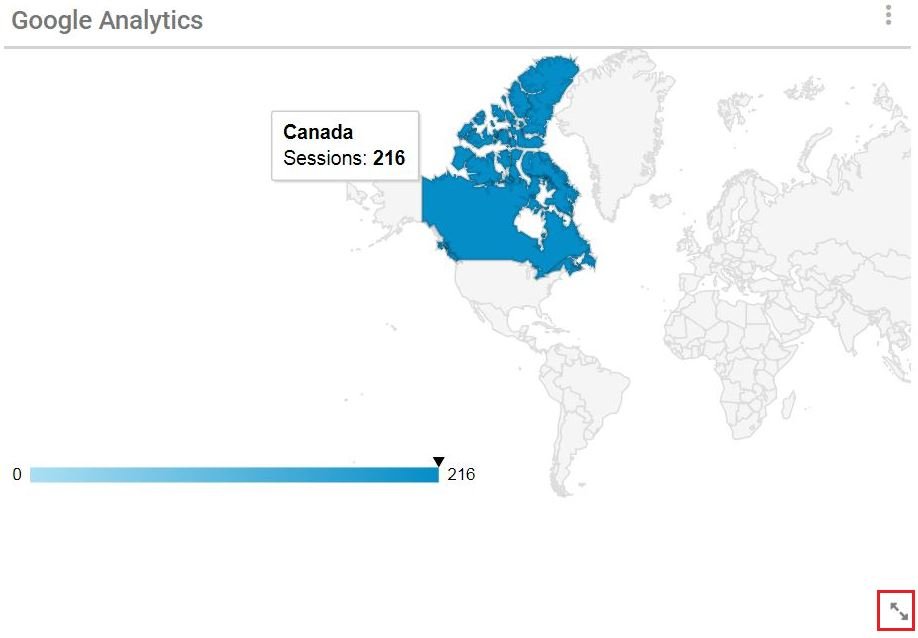
To move the widget, click and hold on the widget where the cursor becomes a mover cursor. Drag it to the desired location.
Settings
To access the widget settings, click on the icon with the 3 dots and click on Settings. To remove the widget, click on Remove Widget.
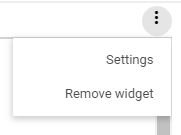
The widget settings include name settings, chart type and Google Analytics information
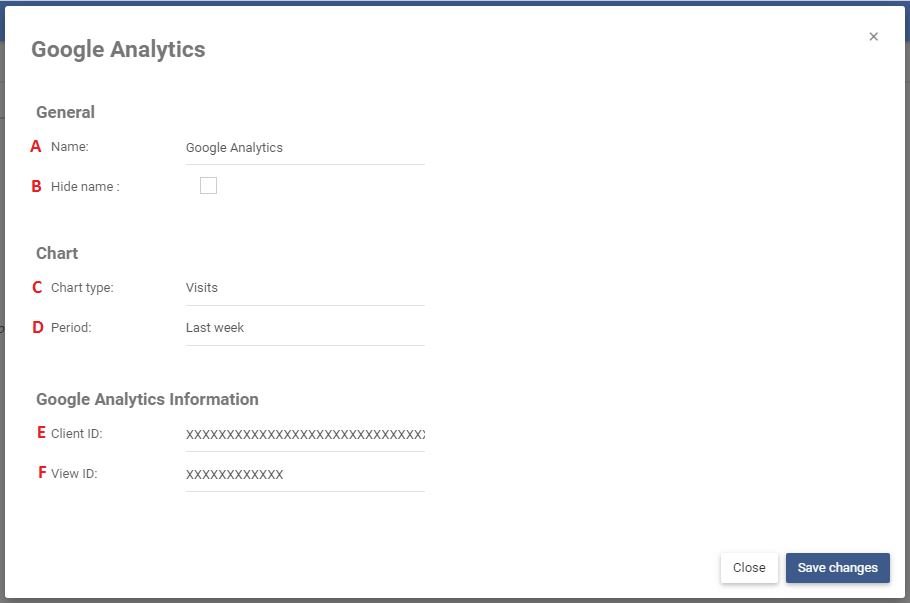
| A | Name | The name of the widget that will be displayed on the home page |
| B | Hide Name | If checked, the widget name will be hidden |
| C | Chart Type | The type metric being displayed in the chart |
| D | Period | The period over which the metric is measured |
| E | Client ID | Please contact your administrator for the Client ID |
| F | View ID | Please contact your administrator for the View ID |
Need more help with this?
Visit the Support Portal