

PinBridge allows functions to be grouped together and controlled by a single pin.

Creating Pin Bridges
To create a new PinBridge:
Press the new bridge button (the + symbol)
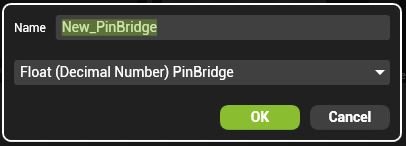
Name the PinBridge
| Note: As creating a PinBridge will create a new Pin in HippoNet, they cannot be renamed once created. |
Select the type of Bridge to use.
 Boolean Pin: Can be on or off, represented by a switch in Zookeeper.
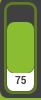 Float Pin: Can be a number value from 0 to 1 ad are most commonly shown as faders in Zookeeper.
 Integer Pin: Can be a whole number (1,2,3…) used to pick options from a list such as Mix modes.
String Pin: Carries text — Very rare to use this in a PinBridge.
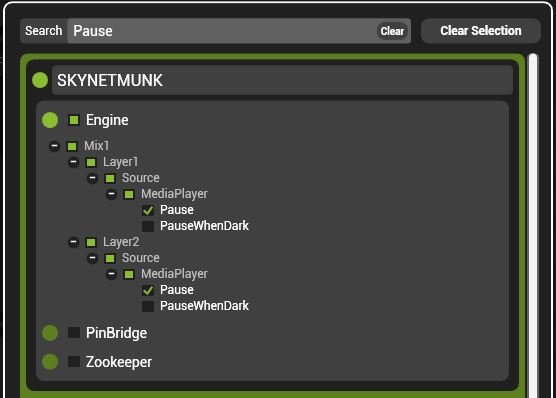
Select the pins to control
Adding Bridges to the Pin Board
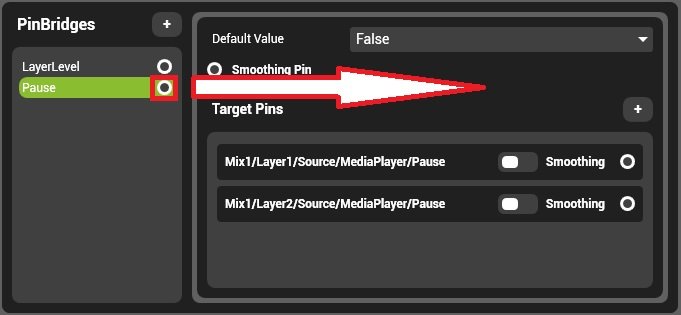
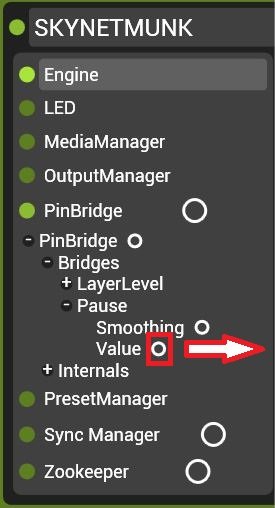
To add a PinBridge control to the pin board simply drag the bridge out from the component:
Or, drag the Pin out from the pin tree:
Post your comment on this topic.