

The EDID Manager loads and clears software EDID Emulation
| Note: The EDID Manager works with Hippotizer V4+ systems fitted with FirePro Graphics cards only. |
Systems that support EDID Manager
V4
- None
V4+
- Karst SDI
- Karst DP
- Boreal (All Types)
- Taiga (All Types)
Using EDID Manager
The EDID Manager communicates with the AMD Firepro Graphics drivers; changes made in EDID Manager can be viewed in the EDID Emulation section of the graphics drivers.
The EDID manager can be in three different states:
Not Emulating
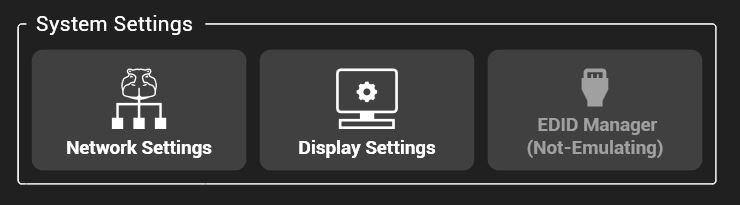
EDID emulation is disabled. Clicking the button will open a menu to allow an EDID to be loaded.
EDID files are text files that can be created from Fire Pro control centre. For more info, please see here.
Emulating
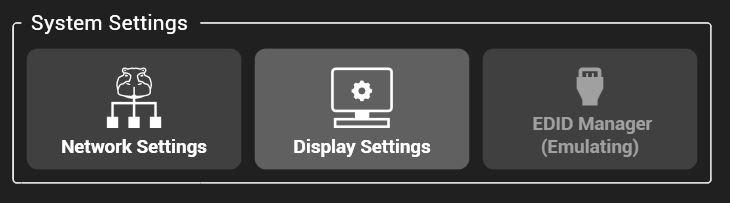
EDID emulation is running. Clicking the button will open a menu to remove emulation.
Removing Emulation
As long as HippoLauncher is running, the global shortcut of CTRL+SHIFT+‘e’ will remove all emulation from the setup
Post your comment on this topic.