


The Responsibilities section displays de roles, resources, org units and/or assets that are responsible for the capability you are viewing. This provides additional details about any associated object that has been tied to the item using the RASCI-VS matrix.
To navigate directly to the object, click on the  icon.
icon.
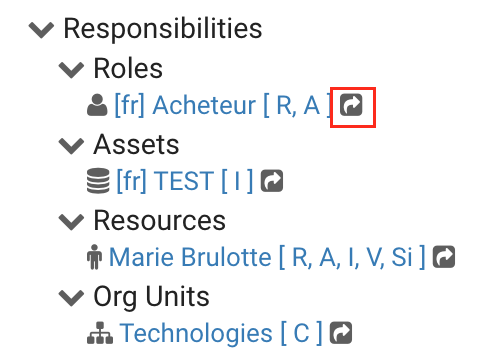
Users can click on the object’s name to view its details in a popup. For this exemple, we opened the preview for the Resource.
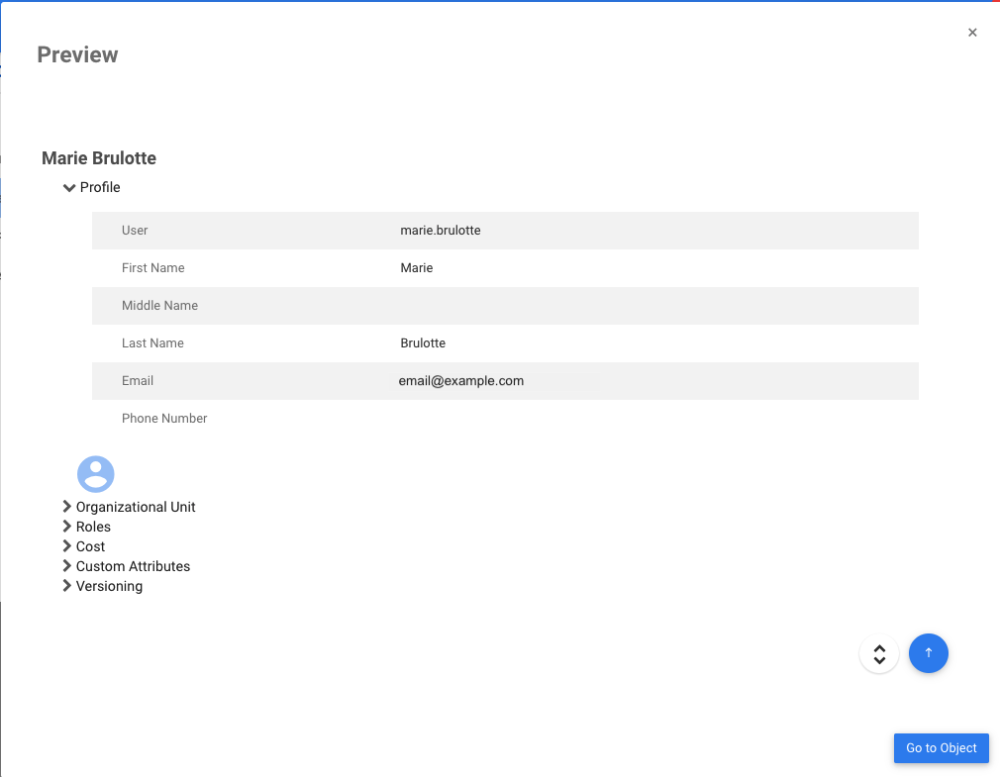
To go to the object’s detail page, click on the  button
Need more help with this?
Visit the Support Portal