


Web Modelers can resize shapes when mapping a process.
To Resize Shapes, please follow the instructions.
- Navigate to Full Screen Edit Mode, after clicking on Edit Button

- Select the shape you want to resize

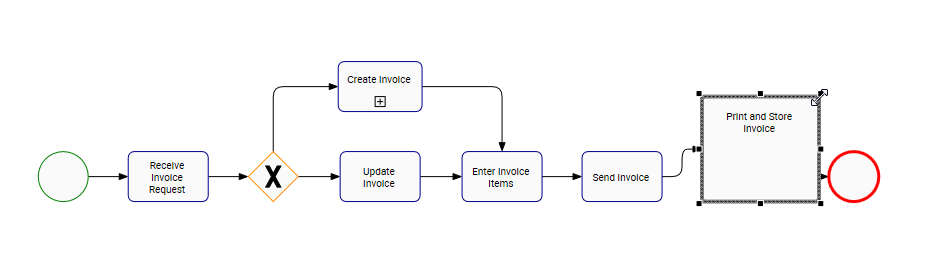
- Select one of the the squares that appear in the corners of the shape.
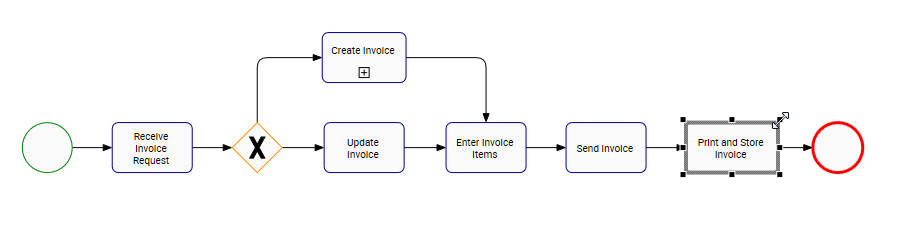
- Drag the square of the shape to resize it
Besoin d'aide supplémentaire avec ce sujet?
Visit the Support Portal