


Awaiting my testing link on the TE Web UI front screen enables you to access a list of Business Tasks / Transport Forms that are currently awaiting your testing signoff:

This can also be accessed via the My Testing link on the left hand pane of the front screen:

A list of Business Tasks awaiting your testing will be displayed on screen:
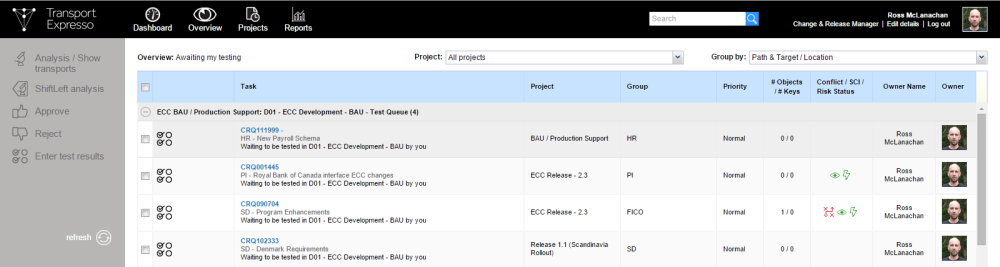
Test results can be entered against a specific Business Task via the  button.
Similarly Enter test results option in the left hand pane can also be used to enter test results:

Either option will open the Business Task that you want to enter test results for:

After entering test results, there are two options that can be used to save the results:
Save  button can be used if you want the Business Task to remain in the Test Queue, and not be moved on to the next TE Control Point
Save & Approve  button should be used when you do want to move the Business Task to the next TE Control Point.
Post your comment on this topic.