


Outlined below are the steps required to add Widgets to your Home page;
1. Navigate cursor to the  icon listed in the top right corner of the Home page
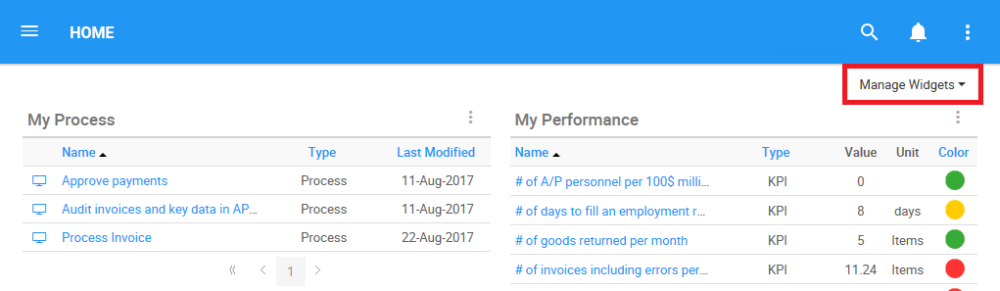
2. A drop-down menu will be generated. Click on the  box
box
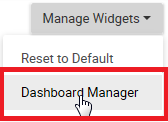
3. The Dashboard Manager window will open

4. Select the Widget you would like to add to your Home page, for this example, click on the  box to add “My Objects” to your home page.

5. You will receive an automatic notification once the widget will successfully be added to the home page

6. Once you finished adding widgets from the Dashboard Manager, click on the  icon to exit the dashboard

7. The new widget will be generated on your home page in one of the available panels

Need more help with this?
Visit the Support Portal