


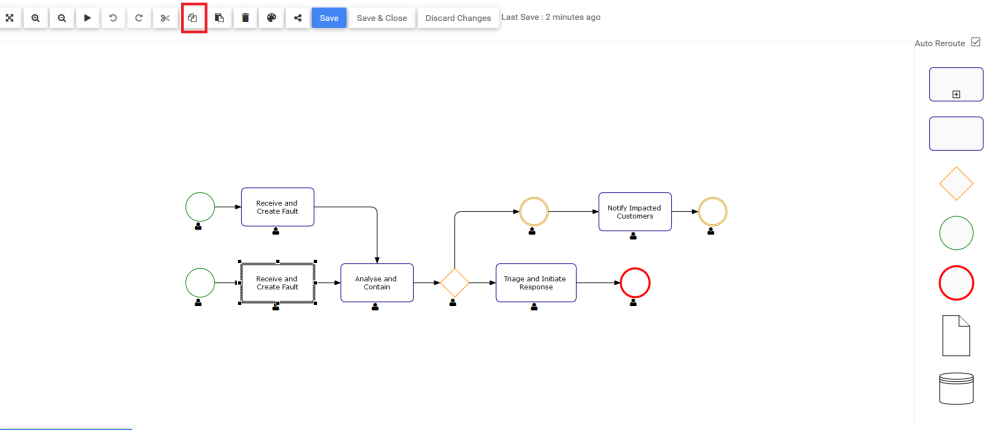
The Copy function allows Web Modelers to Copy shapes from the process map. The Copy button  is located on the toolbar at the top-left of the Edit Screen or by right-clicking on your mouse and selecting the Copy option.
To use the Copy button, please see the following instructions.
- Navigate to the Full Screen Edit Mode using the Edit Button
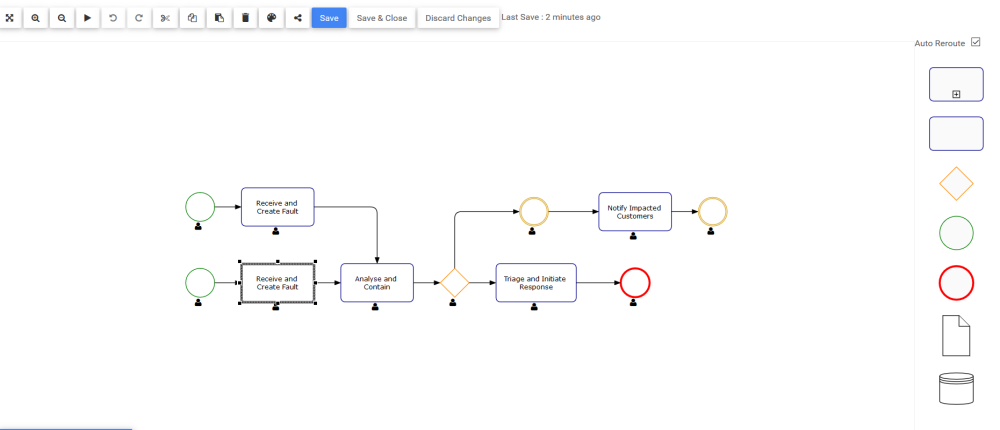
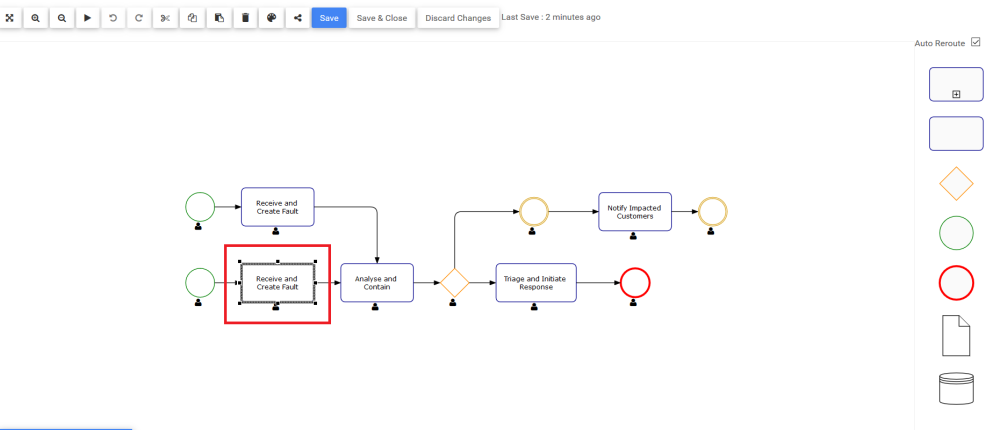
- Select the shape you want to copy
- Click on
![]() button to copy the shape
button to copy the shape
To copy multiple shapes, see section Multi-Select Shapes
Need more help with this?
Visit the Support Portal