


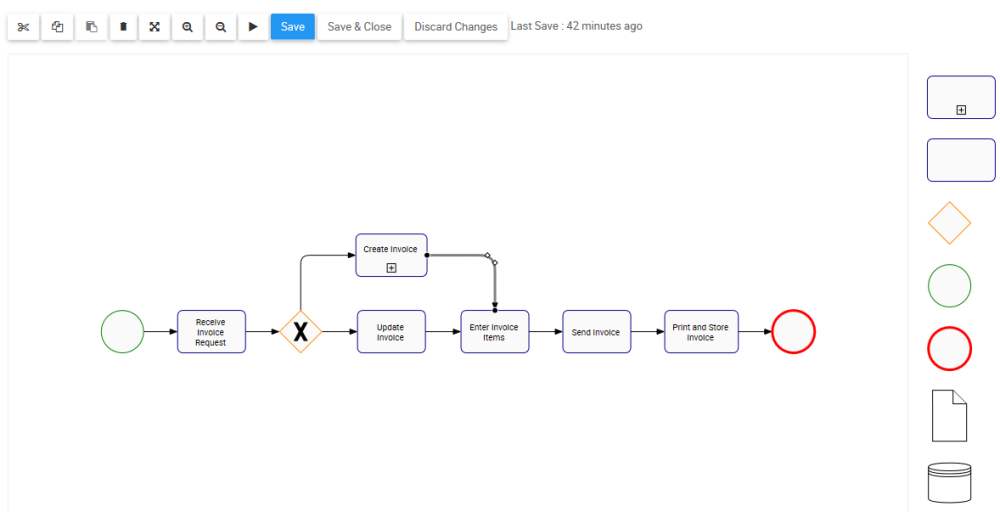
Users can Manually Re-Route Process Flows to customize and organize their process maps.
To Reroute a Flow, please follow the instructions.
- Navigate to Full Screen Edit Mode, after clicking on Edit Button
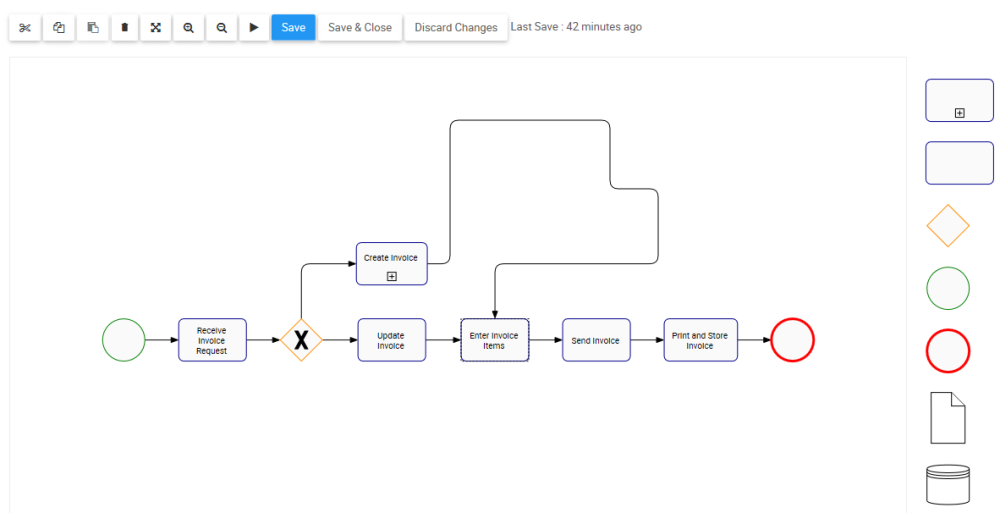
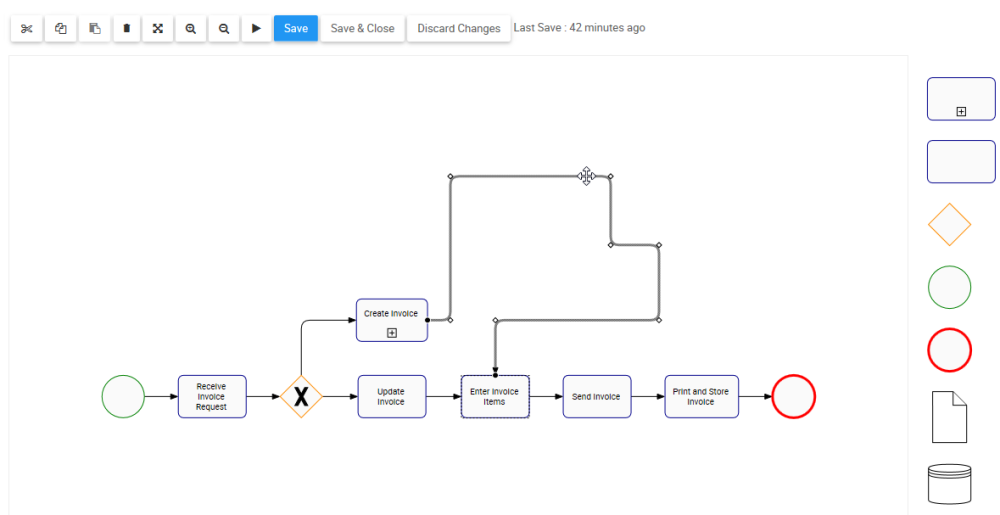
- Select the Flow you want to Reroute
- Right-click on the Flow. A drop-down menu will be generated
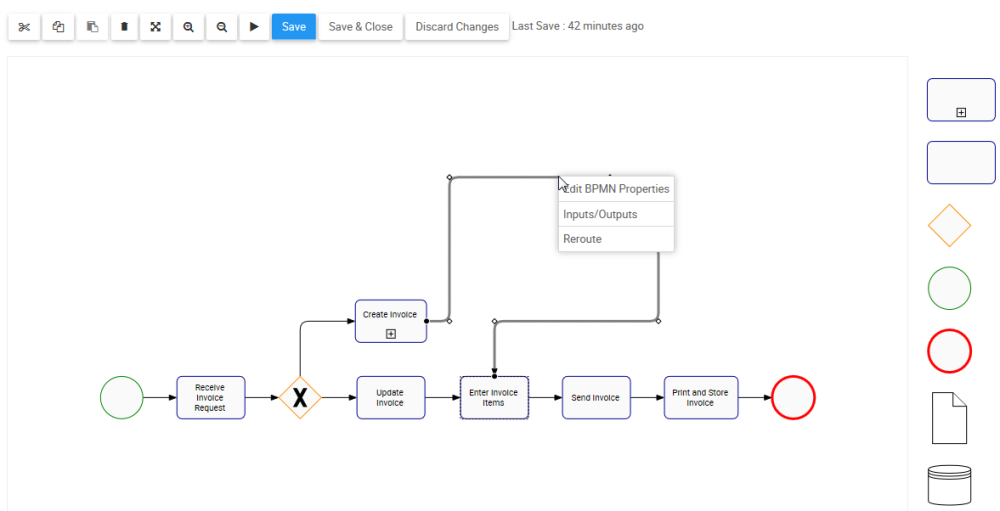
- Select the “Reroute” box
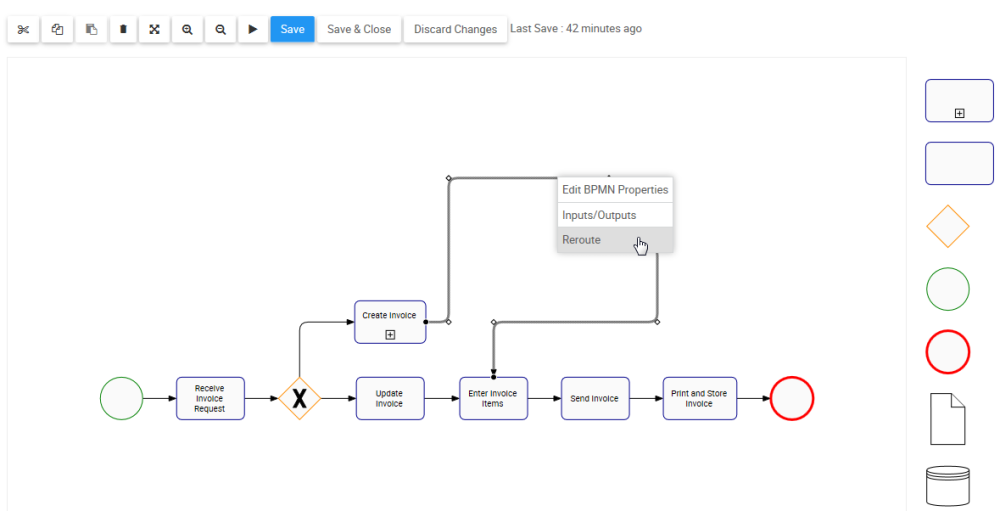
- The route of the Flow will be optimized
Besoin d'aide supplémentaire avec ce sujet?
Visit the Support Portal