


When needed, administrators can edit user information. System Admins can perform in-line edits for information displayed in the user list, or can navigate to the edit section for further editing capabilities.
In-Line Editing
In line edits can be performed by selecting item (User Name, First Name, Last Name or Email) directly within the user list. Simply click on the desired section (below has User Name selected) and type in the desired edit for the user profile.
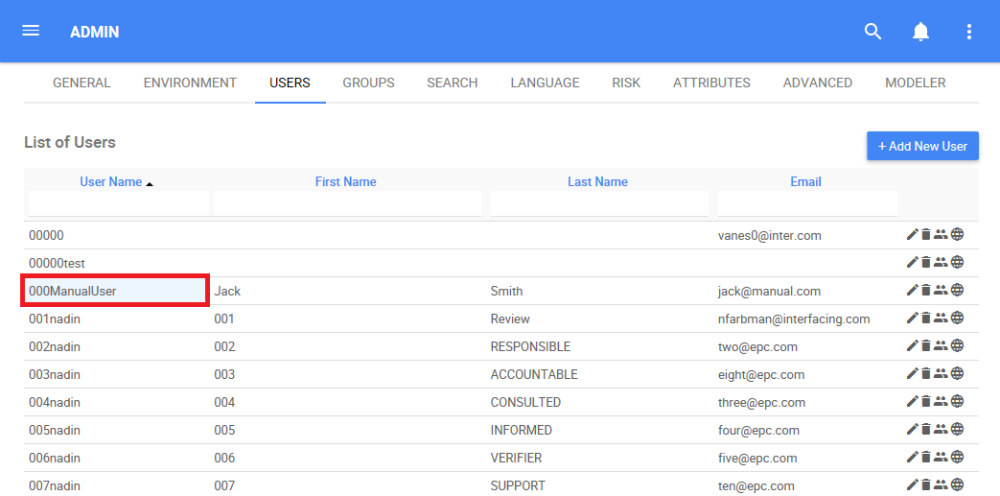
Editing Window
1. For further editing capabilities, navigate the cursor and select the  icon featured on the right hand-side of each user.
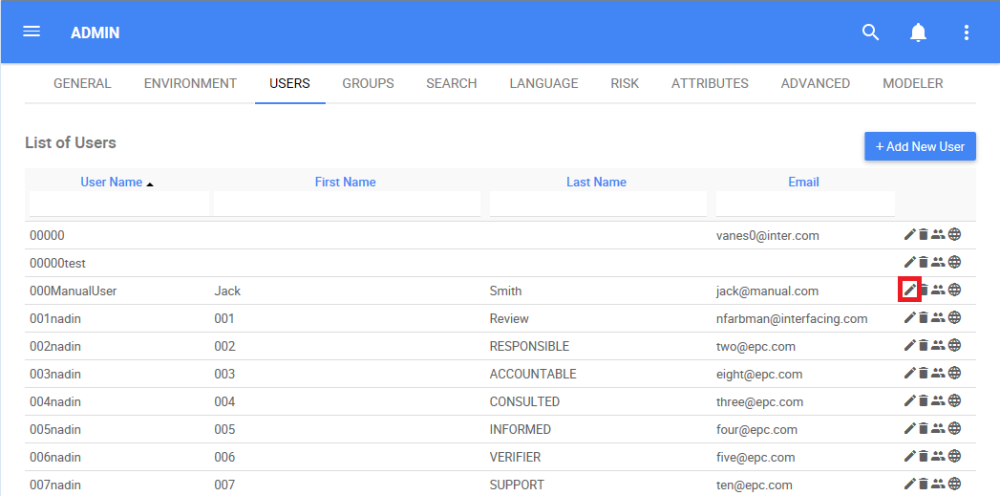
2. Selecting this item will re-open the full user editing page.

3. Click on the box you want to edit. System Admin can edit the User Name, First Name, Middle Name, Last Name, Email, Phone Number and Password.

4. Check the icons  for the level of access you desire to edit

5. Select the “Save” button to confirm changes

Need more help with this?
Visit the Support Portal