


It is possible to import a file from the CadConnect Pre item page or from inside the CadConnect item page.
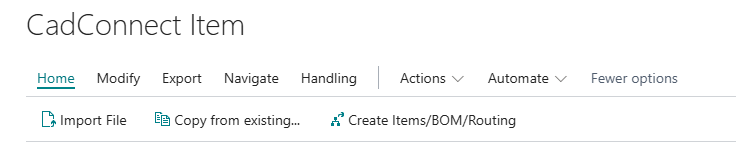

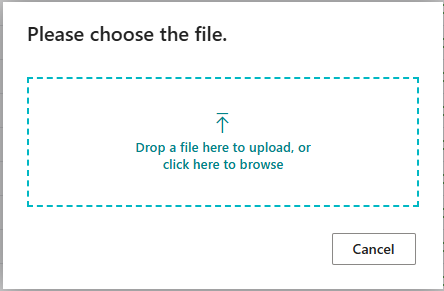
When the file is uploaded, CadConnect will automatically identify, if it is an Excel- or an XML file.
After loading the file, make sure to select a configuration and check if first item in the BOM is the header item.
CadConnect will do a validation between the file imported, and the configuration selected.
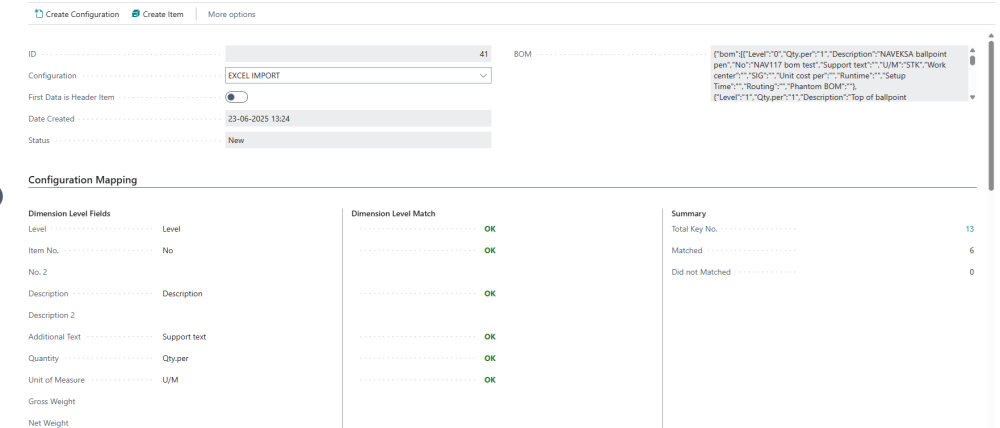
When ready select “Create Item” to load data into CadConnect.
Haben Sie noch weitere Fragen?
Naveksa Help Center