


Let’s now approve or reject the approval cycle made on the “Develop Job Description.”
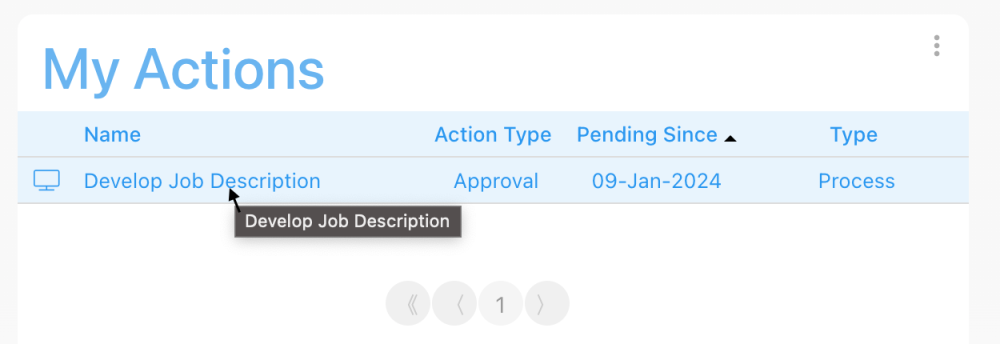
1. Under the “My Actions” Widget, click on the name of the process. This is a hyperlink, and you will be automatically redirected to the Details View of the process.
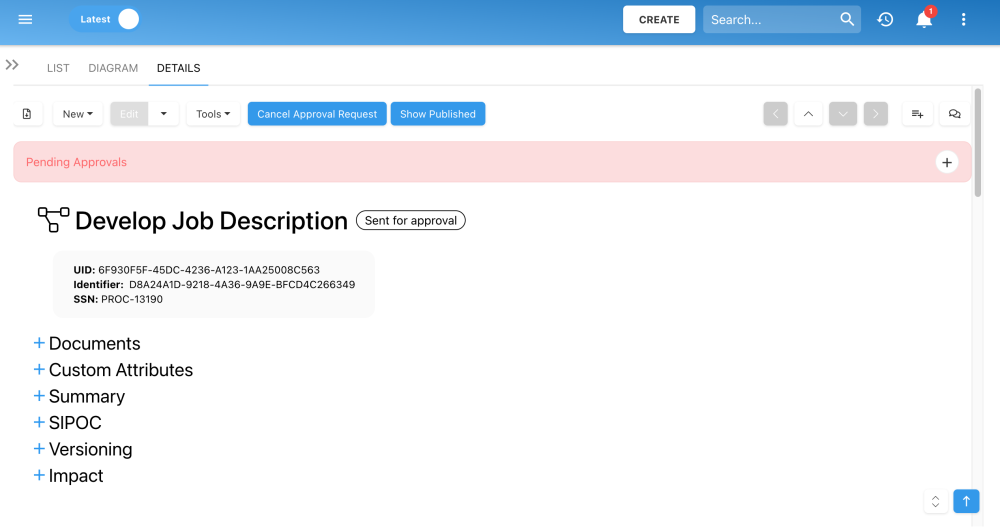
2. Under the Details View of the “Develop Job Description” process, you will see a box saying “Pending Approval.” Click on  to expand the box.
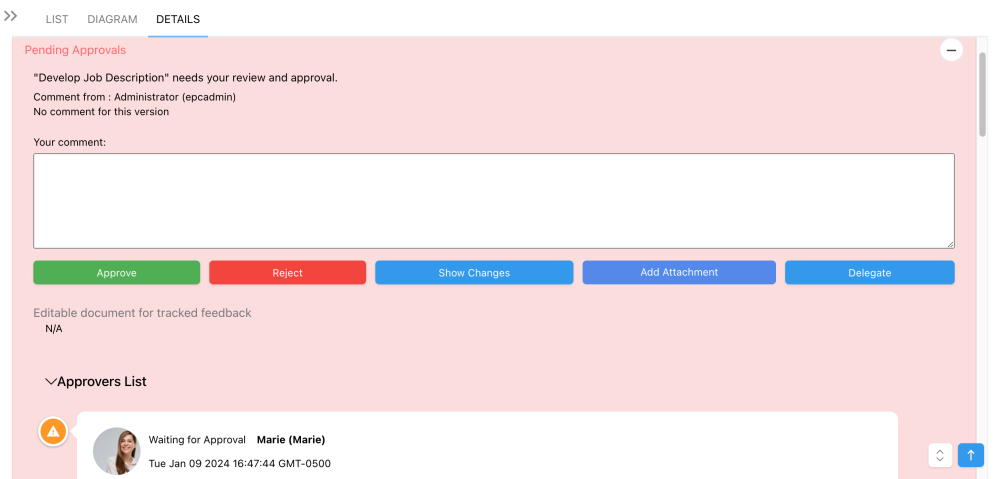
3. In this box, you can  or
or  the changes made to the process. You can review the changes made to process before making a decision.
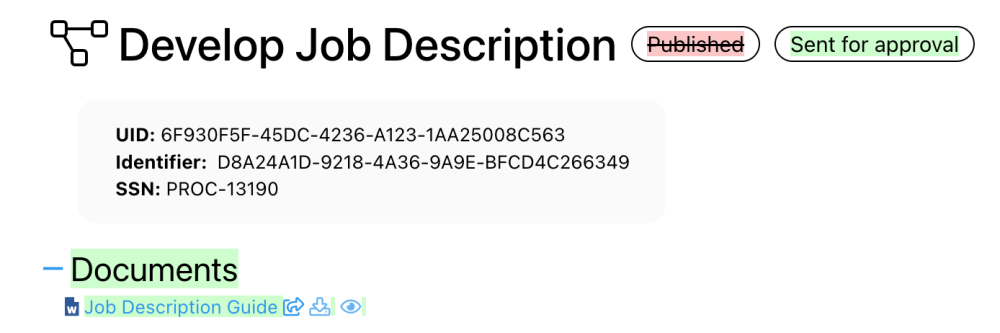
4. Click on the  box to review the changes made to the process. The new items added to the process will be highlighted in green, and the items removed from the process will be in red. The new document we associated to the process is highlighted in green.
5. Let’s scroll up, and go back to the “Pending Approvals” box, and click on to approve the changes made to the process. Since you approved it, this process can now be published using the  button available under the Details View and Diagram View, refer to the section “Publish the Process.
Haben Sie noch weitere Fragen?
Visit the Support Portal