


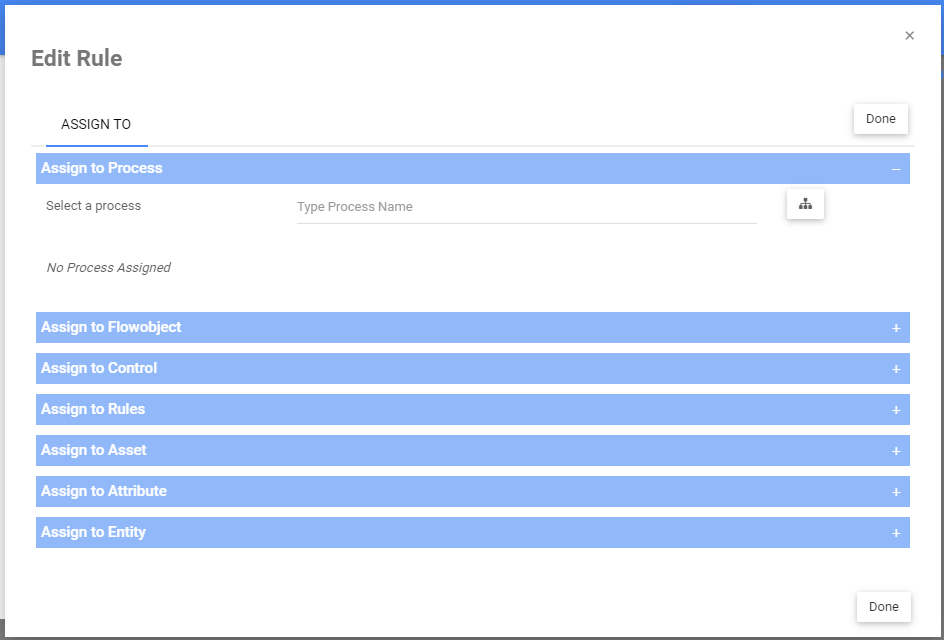
Web Modelers can assign a rule objects on the Web App to other EPC objects directly from a rules’ detail page. These are the following objects a rule can be assigned to: Process, Flow Object, Controls, Rules, Asset, Attribute & Entity.
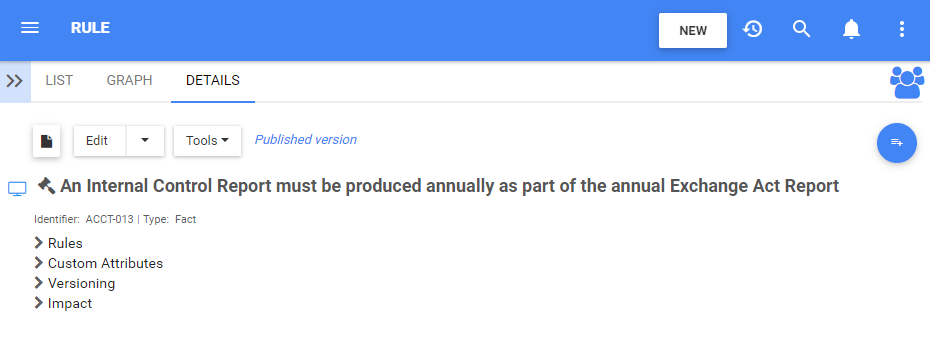
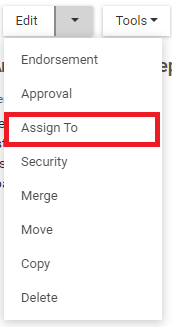
Web Modelers can assign objects to a rule by clicking on the button “Assign To” from the Edit dropdown menu directly through the details page of a Rule.
1. Navigate to the details page of a rule
2. Click on the arrow next to the “Edit” button and select “Assign To”
3. A window will be generated where you can select the objects you want your rule assigned to
4. Use the  and
and  icons to expand and hide the different sections within the each tab of the Assigned Window.
i) To hide sections, click on the icon:
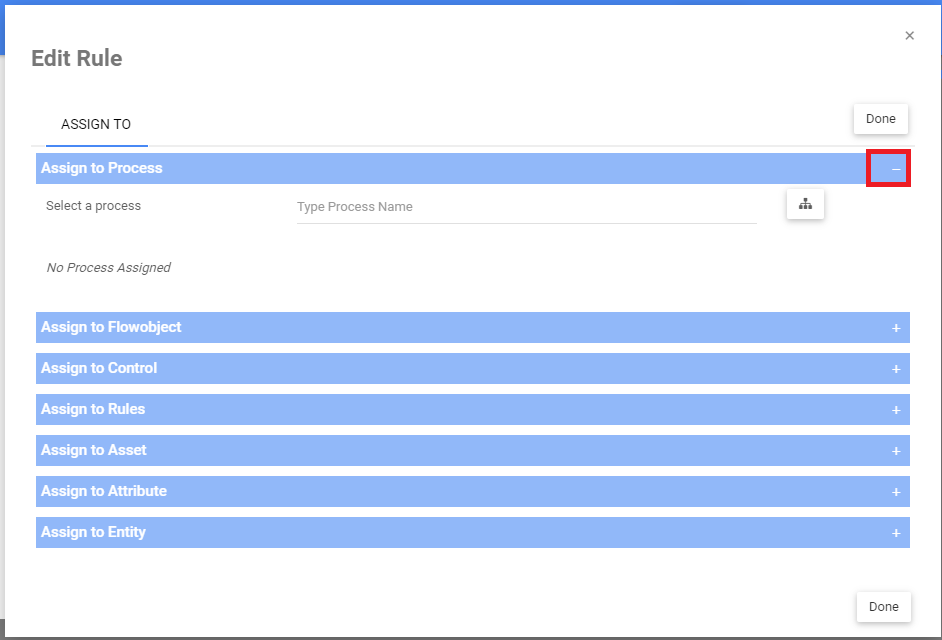
i) To expand sections, click on the icon:
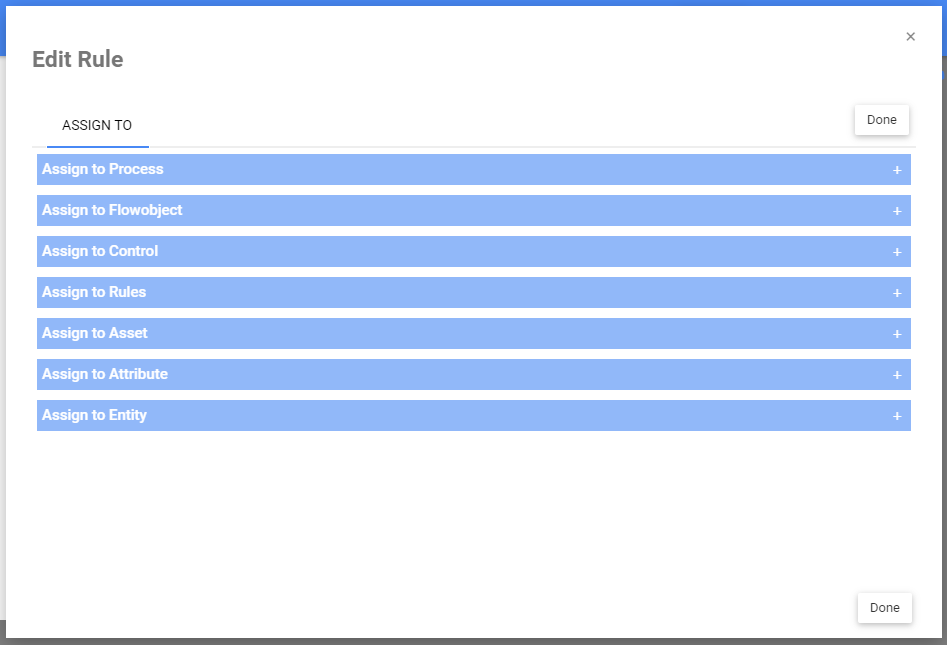
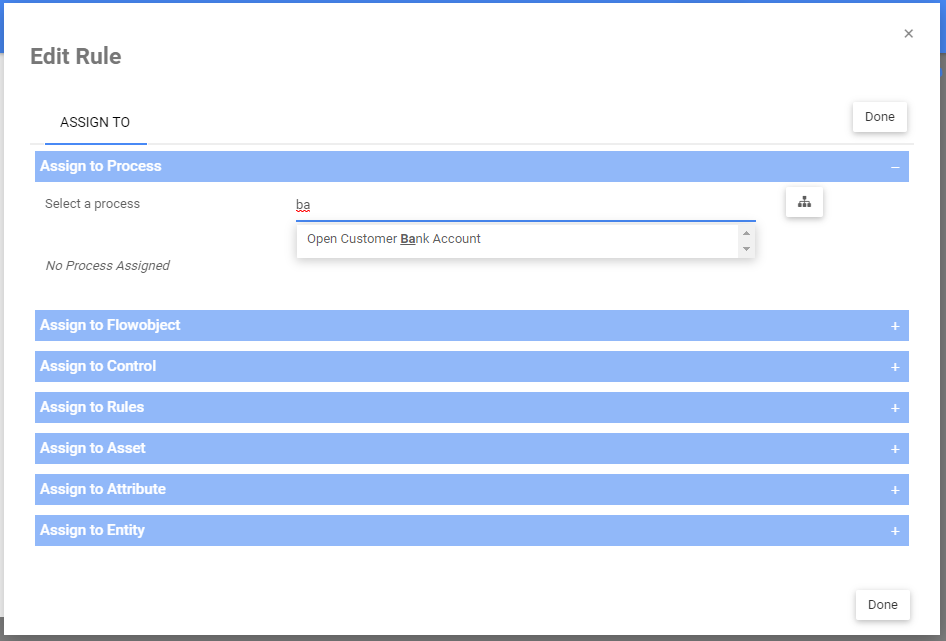
5. To assign a object (e.g., a process), expand the section & search for the object by either typing or by using the tree selector
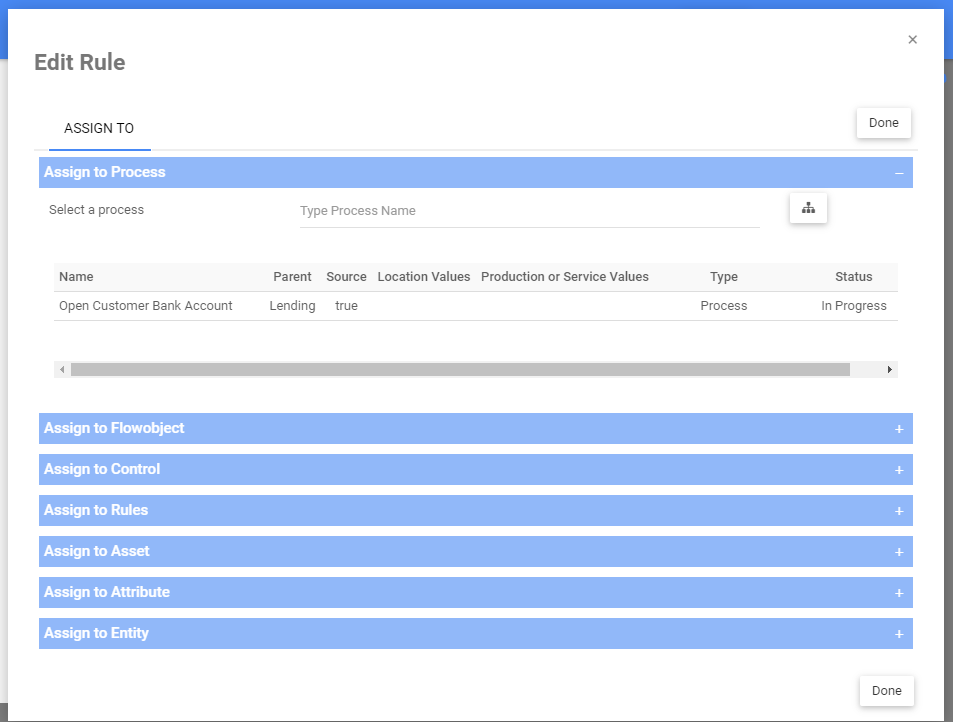
6. After you assigned, the object name, parent name, type & status will appear under a table.
Haben Sie noch weitere Fragen?
Visit the Support Portal