


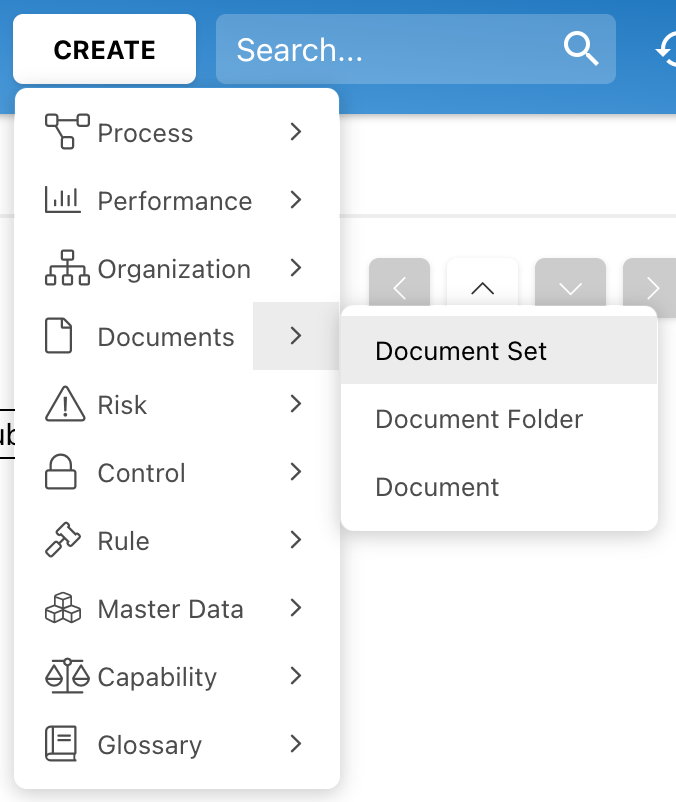
1. Navigate to the Documents Module, and then to the  button on the top-right of the EPC Web App page. A drop-down menu will be generated and choose Document Set.
2. A window will be generated, name the set “Big Business Enterprise.” Click on the  button.
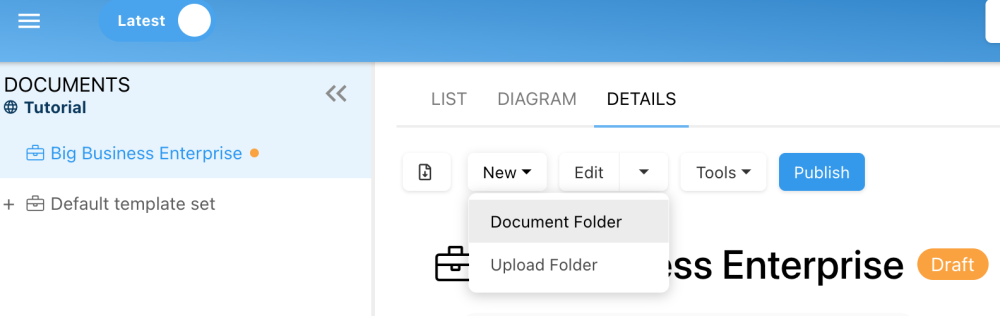
3. Navigate to the  box found in the Details View of the set. A drop-down will be generated, choose “Document Folder.”
4. A window will be generated, name the folder “Human Resources.” Click on the button.
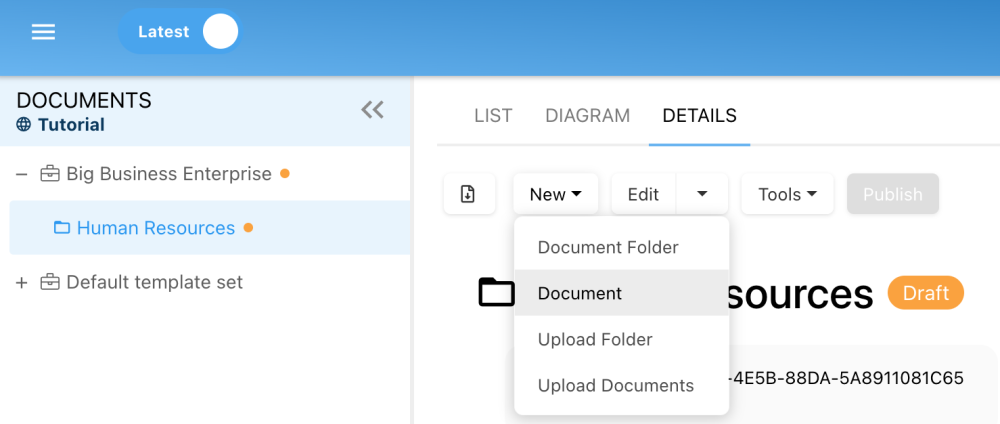
5. Now we will upload the document you downloaded. Navigate to the box found in the Details View of the folder. A drop-down will be generated, and choose “Document.”
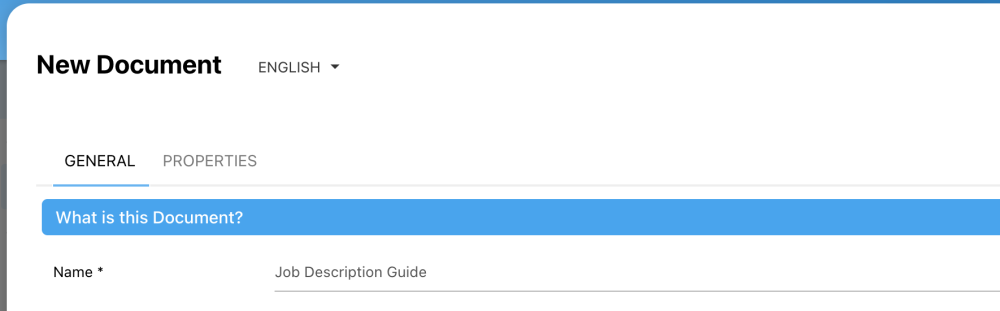
6. A window will be generated to create a new document, name it “Job Description Guide.”
7. Let’s choose the document type. Select “Document Upload.”

8. Click on the ‘Choose’ box. A window will be generated, go to your Downloads folder, and choose the “Job Description Guide” document you previously downloaded.
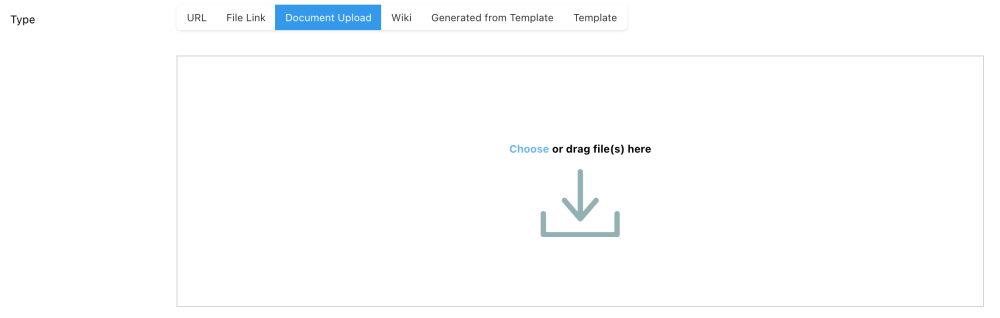
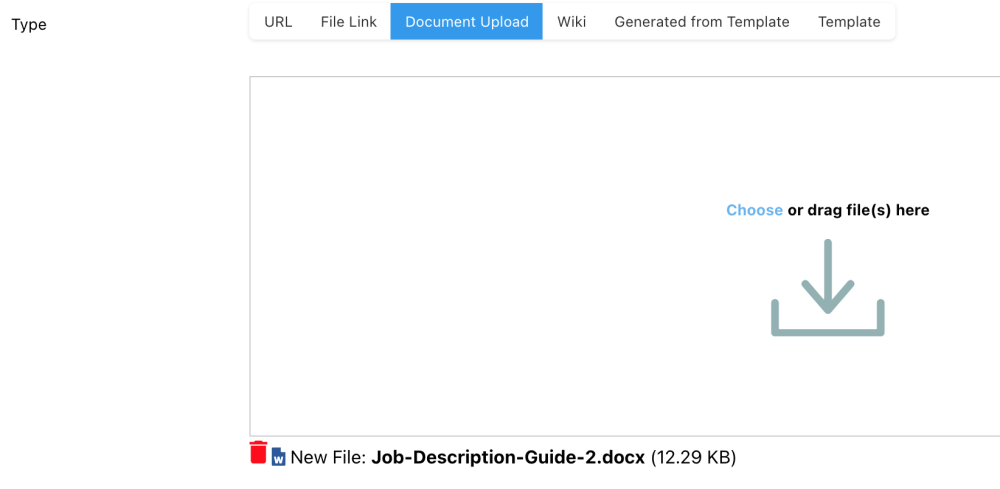
9. Once you uploaded the Word document, it will be displayed under the sub-section “Type.”
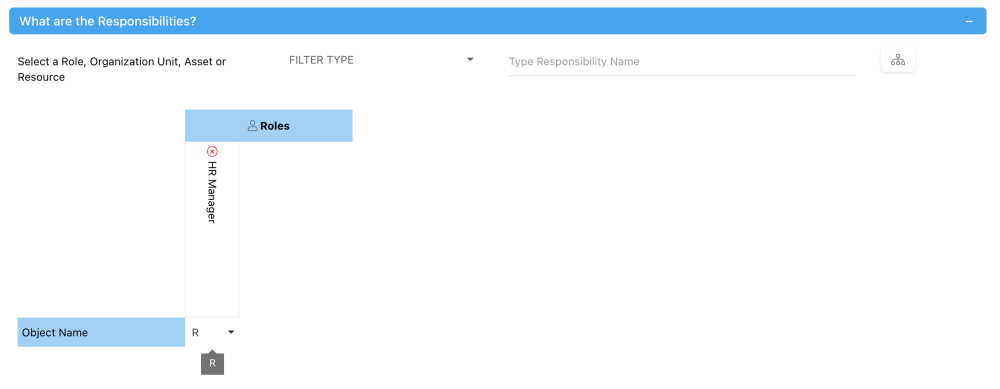
10. Under the “What are the Responsibilities?” assign your role “HR Manager” as Responsible ®.
11. Click on the button to finish the creation of the new Document.
Haben Sie noch weitere Fragen?
Visit the Support Portal