


In the Admin Settings section of the QMS application, users can configure the settings for the Quality Event application.
To access Admin Settings, use the following steps:
- From the Home Page, click on Quality Management System.
- Selecting Quality Management System directs users to the following subcategories:

- Click on Admin Settings
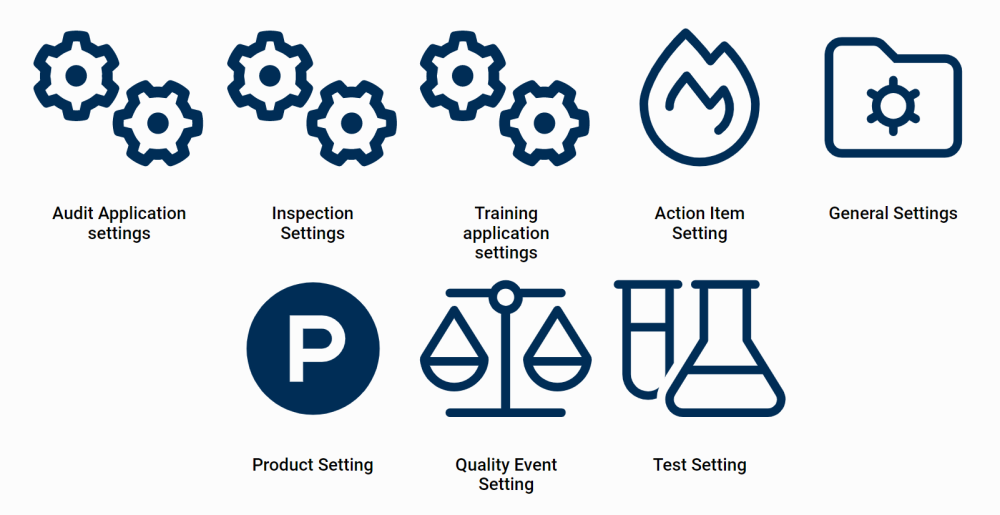
- Selecting Admin Settings directs users to the following subcategories:
![]()
- There are three modules from this list that are relevant to the Quality Event application:

Post your comment on this topic.