


To enter Advanced Settings mode, select MENU > ADVANCED SETTINGS. ATevo will display a scrollable page of parameters.
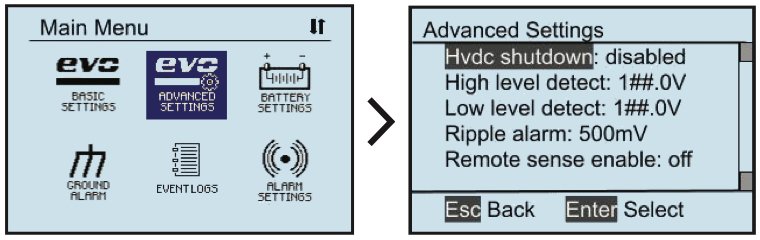
To change a parameter, do the following:
- Navigate using UP and DOWN, and select it with EDIT/ENTER.
- Press LEFT and RIGHT to navigate to any digit to be modified.
- Press UP and DOWN to change setting value.
- Once desired setting is displayed, press EDIT/ENTER to store it.
Last modified:
19 July 2023