


Hierarchy Navigation allows users to navigate vertically from item to item without exiting the details page. Using the  and
and  buttons, users can navigate from process sets to processes, processes to sub-processes, and so on. The hierarchy follows the format that can be viewed in the Hierarchy Graph.
For example, take the following scenario.
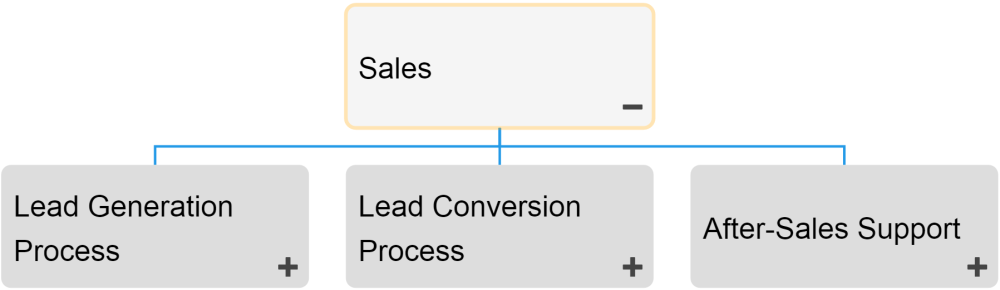
If a user is on the Details page of “Sales”, he or she can directly navigate to the details page of “Lead Generation Process”, “Lead Conversion Process” or “After-Sales Support” using the  button.
When multiple items can be the ultimate destination of navigation, users will have a drop-down menu prompted on the screen after selecting the  button.

Simply click on the desired item you wish to navigate to and you will be prompted to this item’s page.
Haben Sie noch weitere Fragen?
Visit the Support Portal