


Under the Environment tab, System Admins can delete Users
How to Delete a User
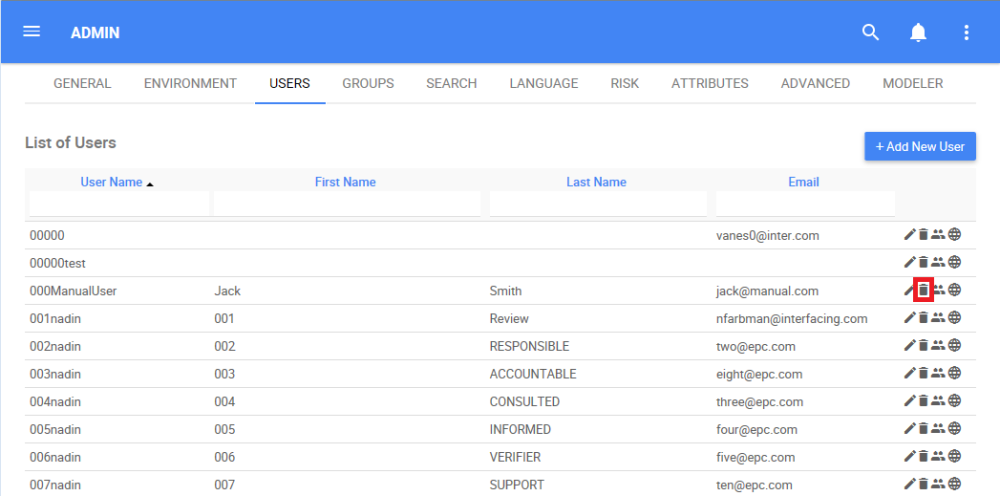
1. Navigate the cursor and select the  icon for the User you want to delete
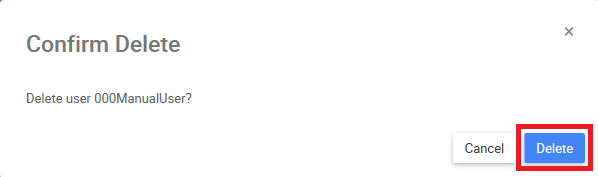
2. The following box will appear and you will be able to delete the User by clicking on the “Delete” box
Need more help with this?
Visit the Support Portal