


Outlined below are the steps required to add Widgets from your Home page;
1. Navigate cursor to the  icon listed in the top right corner of the Home page
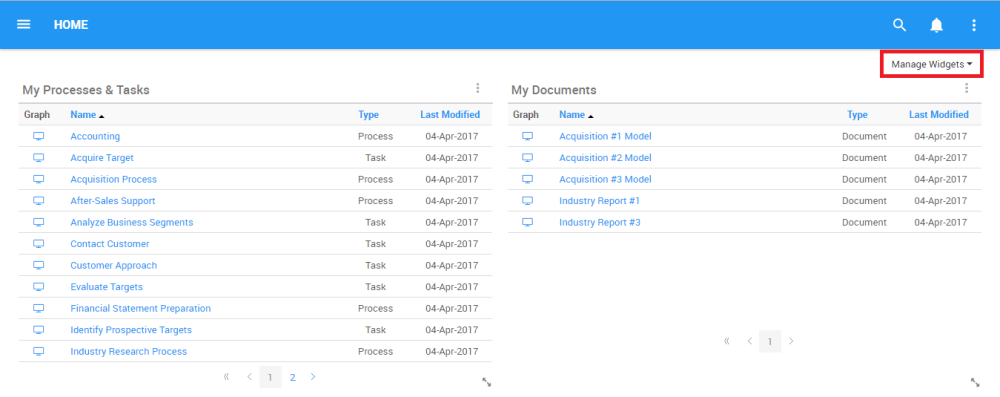
2. Select the “Manage Widgets” option and it will generate a drop-down menu and select  icon and you will be prompted with a second drop-down menu
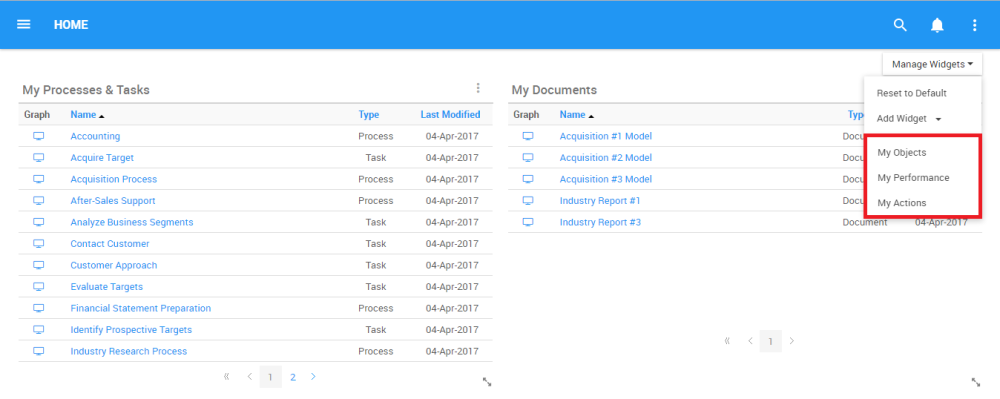
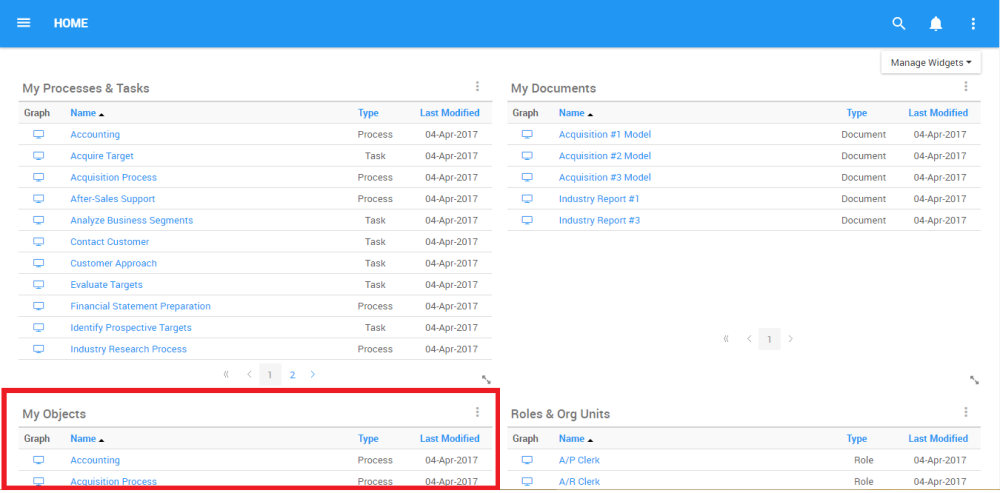
3. Select the Widget you would like to add to your Home page, for this example, click on the “My Objects” option to add “My Objects” to your home page. The Widget will be generated on your page in 1 of the available panels
Haben Sie noch weitere Fragen?
Visit the Support Portal