


In the Admin Settings section of the QMS application, users can configure the settings for the Training application.
To access Admin Settings, use the following steps:
- From the Home Page, click on Quality Management System.
- Selecting Quality Management System directs users to the following subcategories:
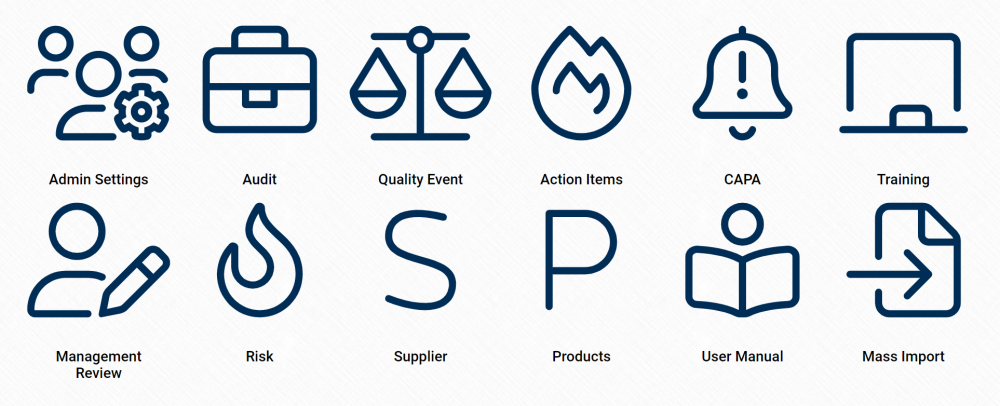
- Click on Admin Settings.
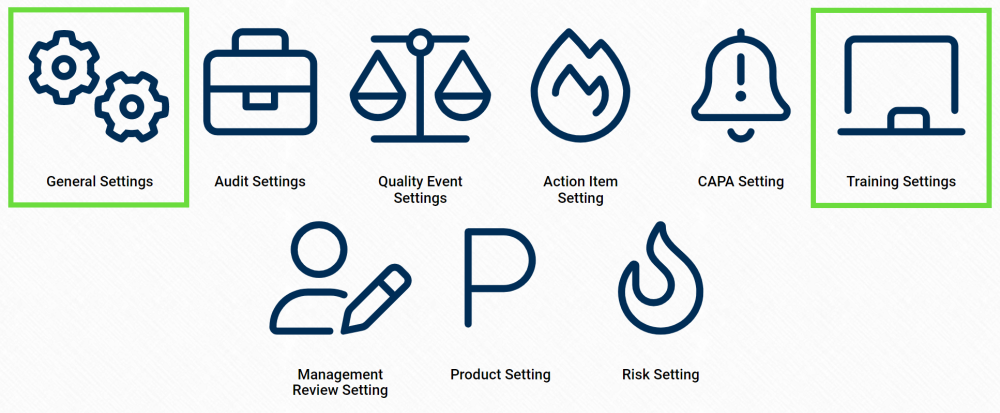
- Selecting Admin Settings directs users to the following subcategories:
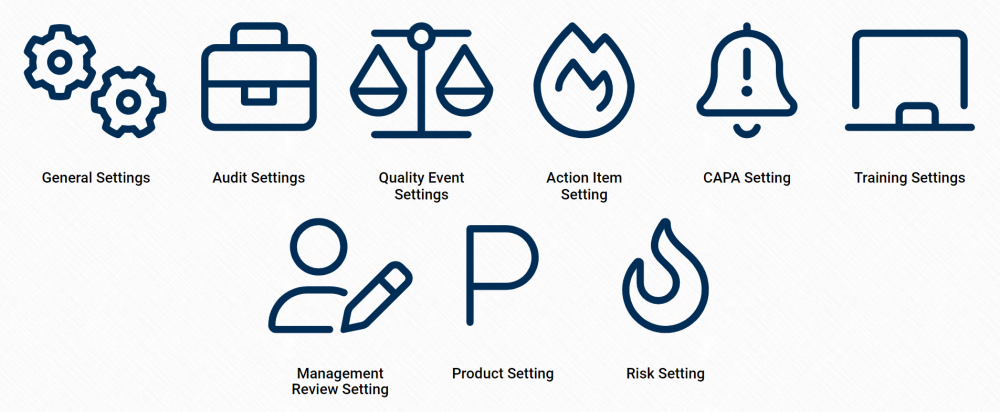
- There are two modules from this list that are relevant to the Training application:
Laissez votre avis sur ce sujet.