


Awaiting my testing link on the TE Web UI front screen enables you to access a list of Business Tasks / Transport Forms that are currently awaiting your testing signoff:
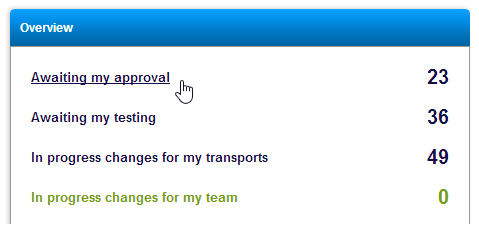
This can also be accessed via the View all changes awaiting my testing link on the left hand pane of the front screen:

A list of Business Tasks awaiting your testing will be displayed on screen:
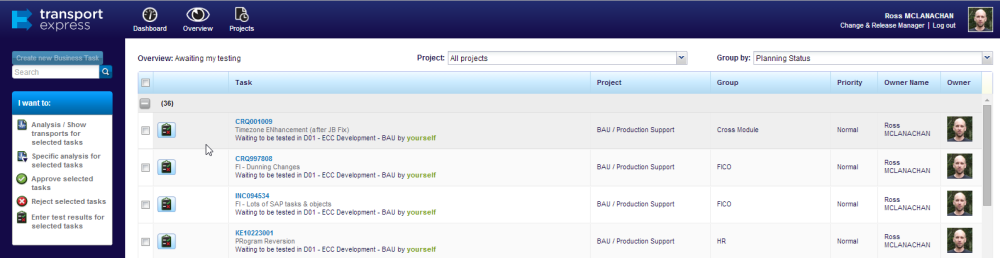
Test results can be entered against a specific Business Task via the  button.
Similarly Enter test results for selected tasks option in the left hand pane can also be used to enter test results:

Either option will open the Business Task that you want to enter test results for:

After entering test results, there are two options that can be used to save the results:
 button can be used if you want the Business Task to remain in the Test Queue, and not be moved on to the next TE Control Point
 button should be used when you do want to move the Business Task to the next TE Control Point.
Post your comment on this topic.