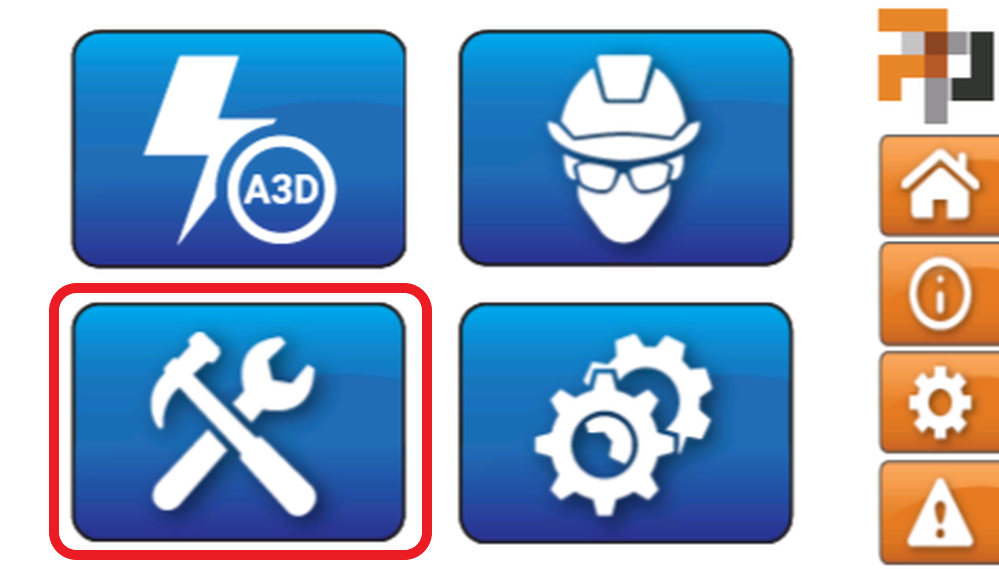
1. Selezionare il pulsante MAINTENANCE nel software AUTOMAT3D.
  1. Inserire il PIN fornito durante l’installazione.

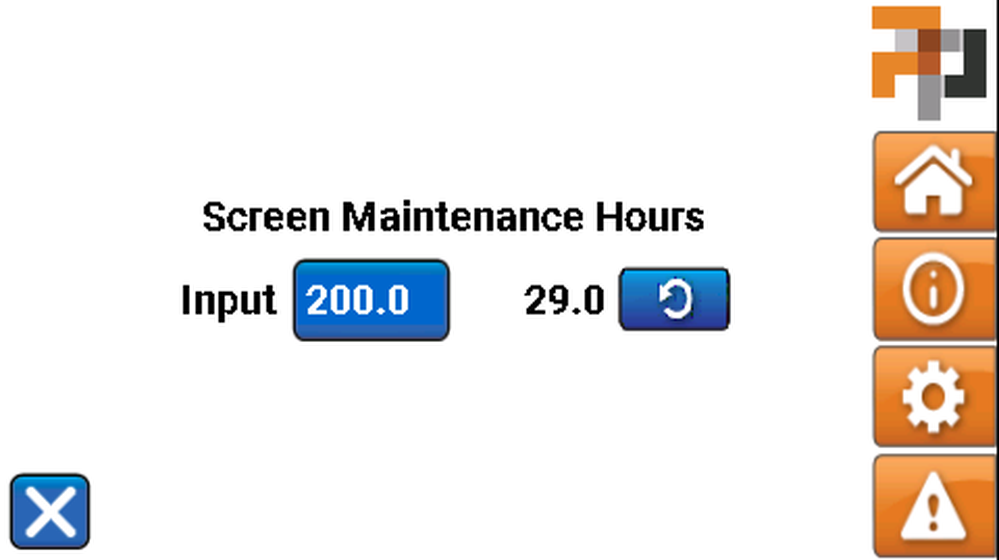
  1. Premere il pulsante RESET per azzerare il timer dopo la pulizia del filtro a rete.

Ora la manutenzione preventiva è stata completata!

Feedback

E’ stato d’aiuto?

Si No
You indicated this topic was not helpful to you ...
Could you please leave a comment telling us why? Thank you!
Thanks for your feedback.

Pubblica il tuo feedback su questo topic.

Perfavore, non utilizzare per richieste di supporto.
Your feedback will remain private. Click here to Request Technical Support.

Pubblica commento