


Awaiting my approvals link on the Web UI front screen enables you to access a list of Business Tasks / Transport Forms that are currently sitting in a control point that requires your approval. The same list can also be accessed via the My Approvals link on the left-hand pane of the front screen.
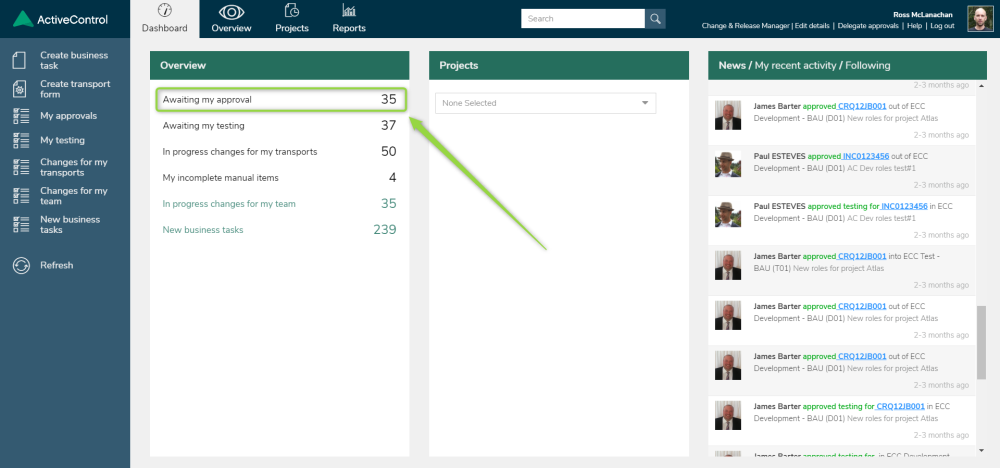
Figure: Approvals in the Web UI
Clicking on either link will display a list of Business Tasks awaiting your approval on screen.
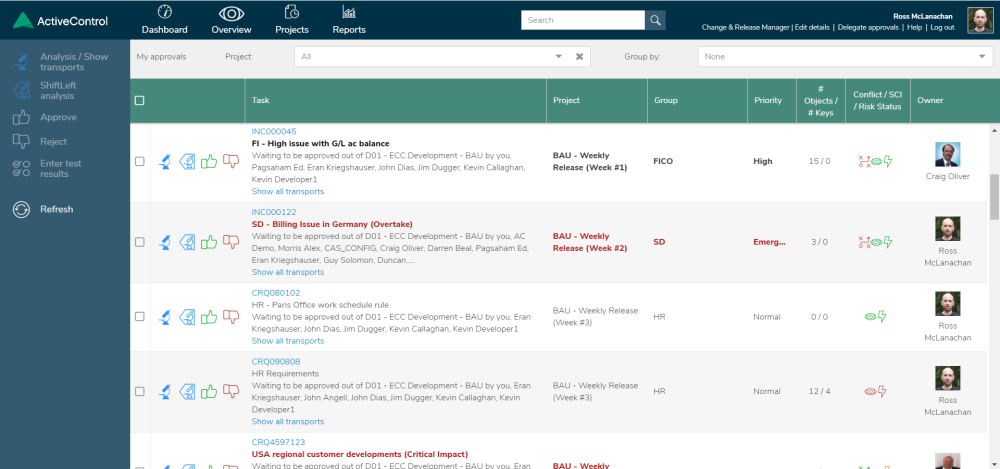
Figure: Changes awaiting your Approval in the Web UI
 can be used to run a General or ShiftLeft analysis on the selected Business Task(s).
 can be used to approve a selected Business Task.
 can be used to reject a selected Business Task.
Post your comment on this topic.