


To add a new Data Source in Contact Manager:
- Select Data Source from the Directory menu
- Click Add New
![]()
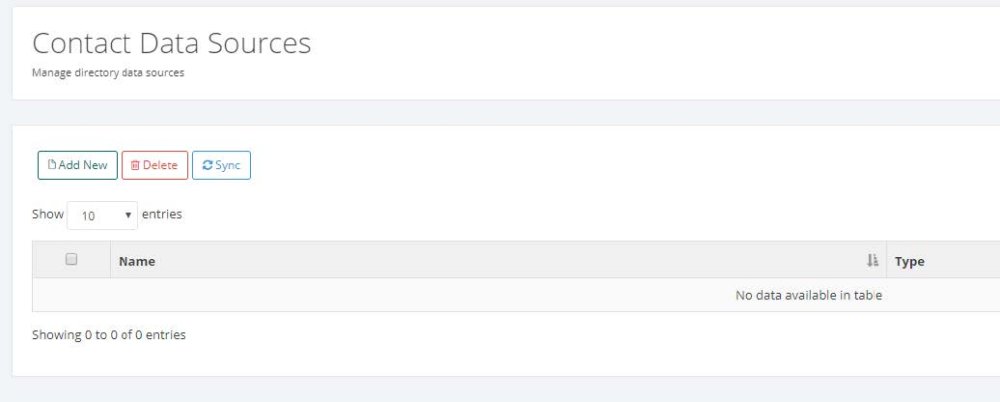
- Select Data Source Type and enter desired Name
| Field | Description |
|---|---|
| Type | Select Data Source Type: LDAP, CSV File, SQL Server, MySQL or Cisco UDS |
| Name | Enter the data source name |
- Fill out the required fields and click Save
Post your comment on this topic.